Content Calendar Template: Build Your Marketing Plan

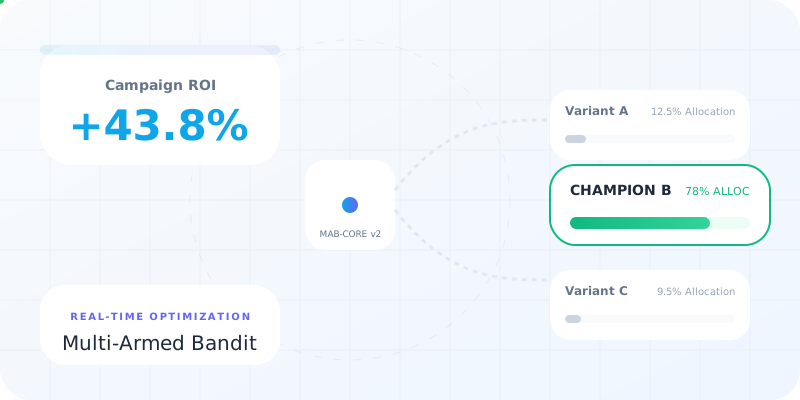
Marketing teams juggle dozens of content pieces across multiple platforms every month. Without a structured approach, campaigns lose momentum, publication schedules slip, and tracking performance becomes nearly impossible. A well-designed content calendar template transforms chaotic workflows into organized systems that drive measurable results. For teams managing link-heavy campaigns with UTM parameters, A/B tests, and multi-channel distribution, the right template becomes the foundation for strategic content execution and data-driven optimization.
Understanding Content Calendar Fundamentals
A content calendar template serves as your central command center for planning, organizing, and executing content strategies. This tool provides visibility into what content publishes when, where it appears, and who handles each task. Unlike simple spreadsheets, effective templates incorporate workflow stages, approval processes, and performance tracking mechanisms.
Core components of robust content calendar templates include:
- Publication dates and times across multiple time zones
- Content titles, formats, and distribution channels
- Assigned team members for writing, editing, and approval
- Campaign identifiers and marketing objectives
- Link tracking parameters and shortened URLs
- Status indicators from ideation through publication
- Performance metrics and analytics integration
The complexity of your template should match your team's workflow. Small teams often thrive with streamlined Google Sheets templates, while larger organizations benefit from comprehensive project management platforms that integrate with existing marketing technology stacks.
Choosing the Right Template Format
Different platforms offer distinct advantages depending on your team structure and technical requirements. Google Sheets provides collaborative editing, automatic saves, and accessibility from any device. Excel templates offer advanced formula capabilities and offline functionality. Notion databases deliver relational structures that connect content pieces to campaigns, projects, and team members.
| Platform | Best For | Key Advantage | Limitation |
|---|---|---|---|
| Google Sheets | Remote teams | Real-time collaboration | Limited automation |
| Excel | Data analysis | Advanced formulas | Version control issues |
| Notion | Complex workflows | Database relationships | Learning curve |
| Project tools | Large teams | Task dependencies | Higher cost |
Multiple template options exist to accommodate various content operations, from solo creators to enterprise marketing departments. The optimal choice depends on how frequently you publish, how many channels you manage, and how deeply you need to track campaign performance.
Building Your Content Calendar Structure
Start by mapping your content distribution channels. Most marketing teams maintain presence across owned media (blog, email), earned media (PR, guest posts), and paid media (social ads, sponsored content). Each channel requires different lead times, approval workflows, and tracking mechanisms.
Essential Calendar Columns
Your content calendar template must capture critical information without becoming overwhelming. Begin with these fundamental fields:
- Publication date and time - Include timezone specifications for global audiences
- Content title and format - Blog post, video, infographic, podcast episode
- Target audience segment - Which customer persona this content serves
- Distribution channels - Where this content appears
- Campaign association - Link to broader marketing initiatives
- Primary URL and tracking links - Original links plus shortened versions with UTM parameters
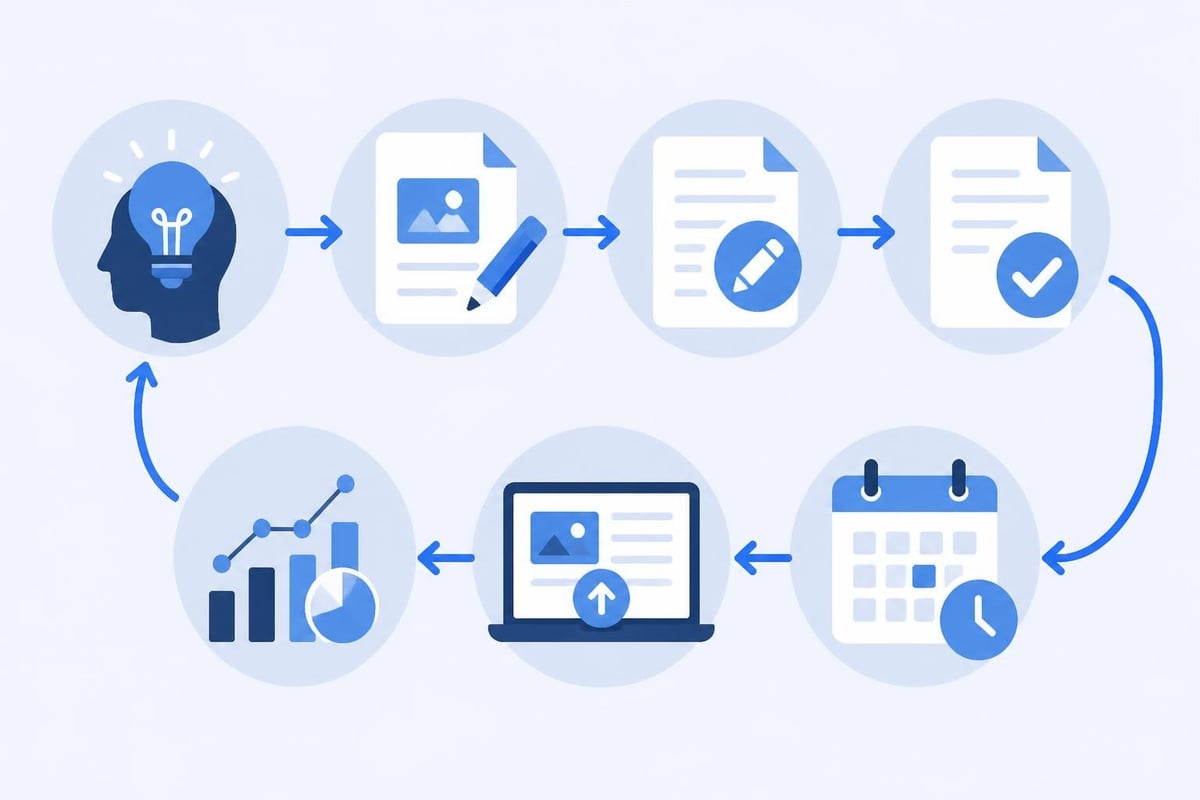
- Content status - Idea, assigned, draft, review, approved, scheduled, published
- Owner and contributors - Who writes, edits, designs, and approves
Advanced implementations add fields for SEO keywords, competitor analysis, content cluster associations, and conversion goals. These additions prove valuable for teams running sophisticated content operations where strategic planning drives measurable business outcomes.
Incorporating Link Management
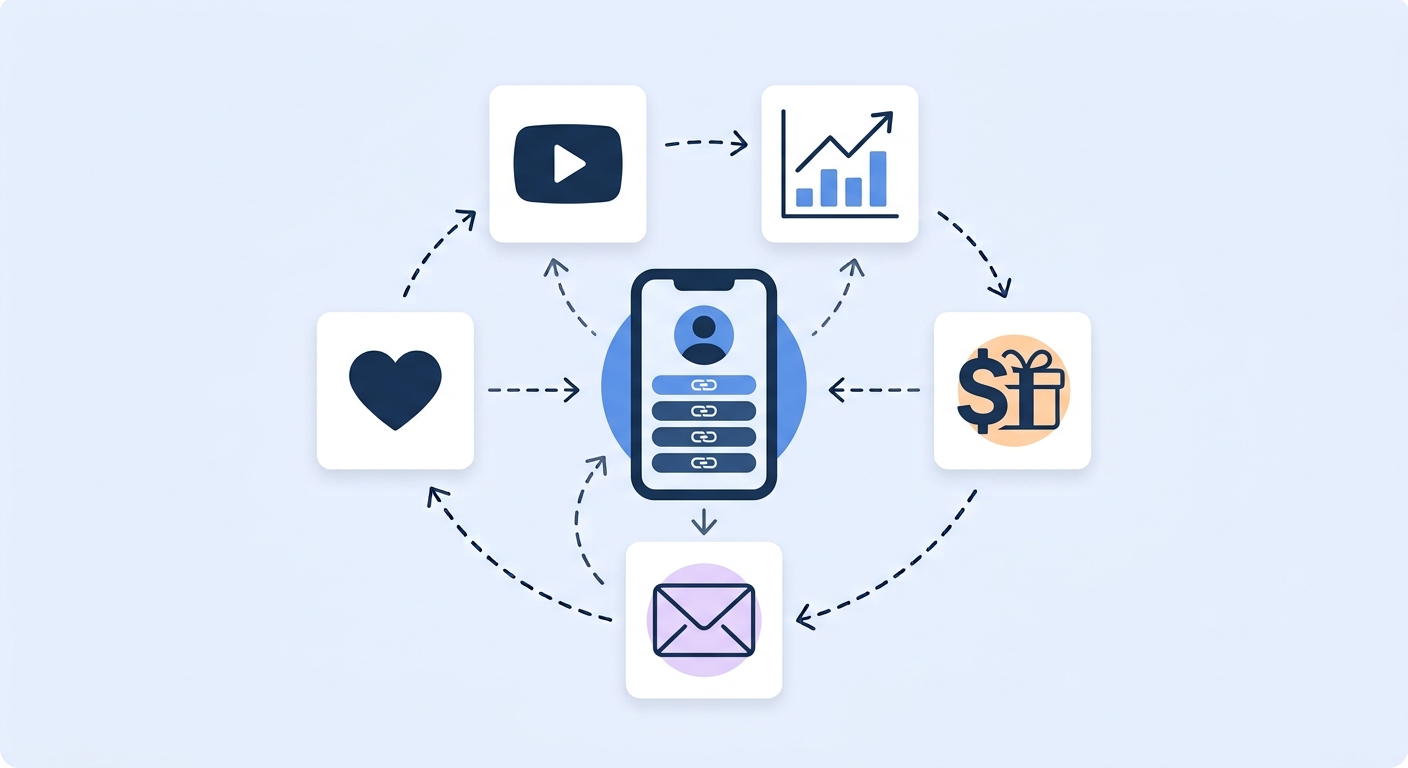
For teams executing multi-channel campaigns, link tracking becomes paramount. Your content calendar template should accommodate shortened URLs, UTM parameters, A/B test variants, and retargeting pixels. This integration ensures every published piece connects to trackable links that generate actionable analytics.
Trimy streamlines this process by enabling marketers to create, customize, and track links directly within their content workflow. Rather than switching between platforms, teams can generate branded short links, configure A/B tests, and embed retargeting pixels while planning their content calendar, ensuring every piece of content includes properly tagged, trackable URLs from day one.
Organizing Content by Campaign and Theme
Strategic content calendars organize material around campaigns, product launches, seasonal themes, and customer journey stages. This thematic clustering ensures consistent messaging and prevents random, disconnected publishing patterns.
Campaign-based organization enables:
- Coordinated multi-channel storytelling across weeks or months
- Consistent brand messaging that reinforces key themes
- Resource allocation aligned with strategic priorities
- Performance comparison across similar content types
Create separate views or sheets for different content categories. A comprehensive content calendar template might include tabs for blog content, social media posts, email newsletters, video production, and paid advertising. Each tab maintains the core structure while accommodating channel-specific requirements.

Time-Blocking and Production Schedules
Backward planning from publication dates ensures adequate production time. If your blog post publishes Thursday morning, when must writing begin? When does editing occur? When do stakeholders review and approve?
Build these workflow stages into your content calendar template. Many teams use color-coding to visualize stages: yellow for drafting, orange for editing, blue for approval, green for scheduled. This visual system provides instant clarity about where each content piece stands in the production pipeline.
Implementing Workflow and Approval Processes
Effective content calendar templates incorporate governance mechanisms that maintain quality standards while preventing bottlenecks. Define clear ownership, establish approval hierarchies, and automate notifications when content moves between stages.
Status Tracking and Dependencies
Your template should clearly indicate content status and reveal dependencies between related pieces. If a comprehensive guide requires supporting social posts, infographics, and email announcements, your calendar must show these relationships.
Common status categories include:
- Ideation - Concept proposed but not yet approved
- Assigned - Approved and allocated to creator
- Drafting - Active content creation underway
- Review - Submitted for editorial feedback
- Revisions - Incorporating editorial changes
- Approval - Final stakeholder sign-off
- Scheduled - Queued in publishing system
- Published - Live and distributed
- Analyzing - Collecting performance data
This granular tracking prevents confusion about content readiness and highlights potential delays before they impact publication schedules. Teams using customizable templates can adapt status categories to match their specific workflows.
Collaboration and Communication
Modern content production involves multiple contributors: strategists who plan topics, writers who draft content, designers who create visuals, editors who refine copy, and managers who approve final versions. Your content calendar template must facilitate seamless collaboration among these roles.
Include comment fields where team members discuss ideas, share feedback, and resolve questions. Link to working documents, creative assets, and reference materials. Specify notification preferences so contributors receive alerts when action is required.
| Role | Primary Responsibilities | Calendar Interactions |
|---|---|---|
| Strategist | Topic planning, audience research | Creates calendar entries, defines objectives |
| Writer | Content creation, research | Updates status, links to drafts |
| Designer | Visual assets, formatting | Adds design files, marks complete |
- | Reviews quality, provides feedback | Comments, requests revisions | | Manager | Final approval, performance review | Approves publication, analyzes results |
Tracking Performance and Optimization
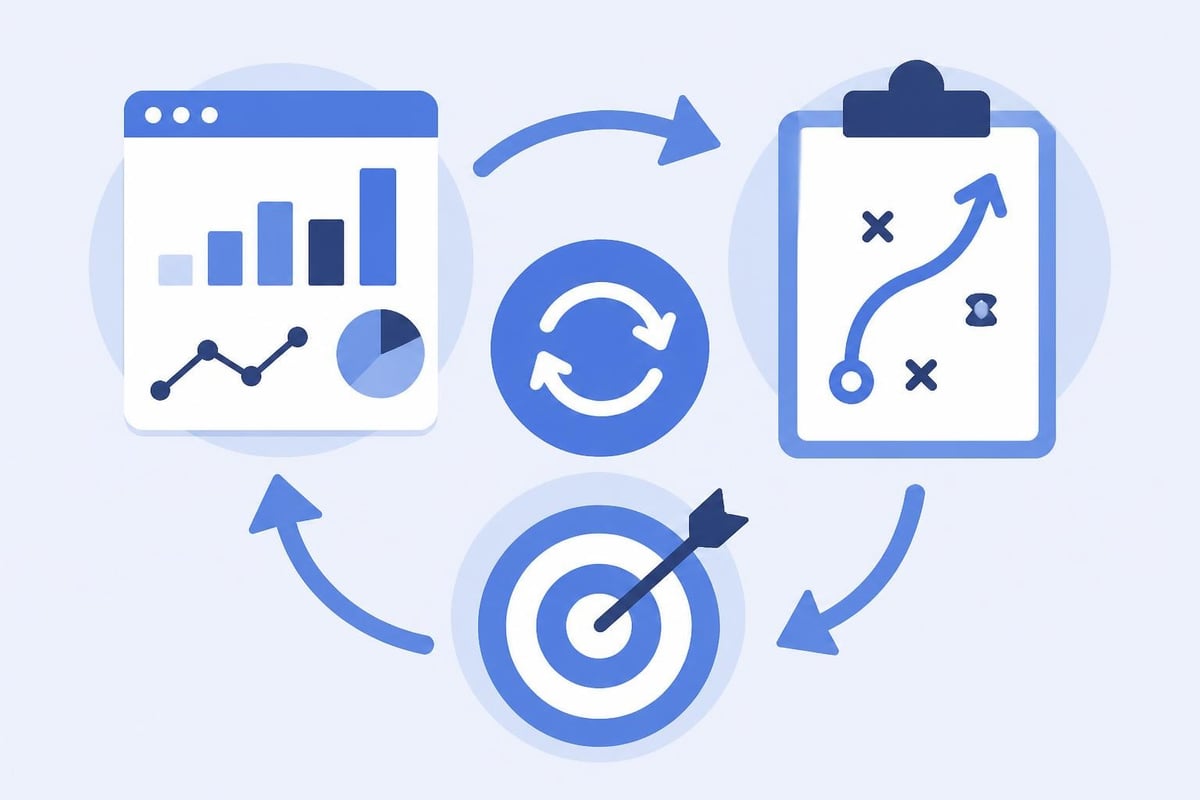
A complete content calendar template doesn't end at publication. Build mechanisms to track performance metrics, analyze results, and feed insights back into future planning. This closed-loop system transforms your calendar from a planning tool into a strategic intelligence platform.
Metrics Integration
Reserve columns for key performance indicators relevant to your content goals. Blog posts might track organic traffic, time on page, and conversion rate. Social content focuses on engagement rate, reach, and click-through rate. Email newsletters measure open rate, click rate, and unsubscribe percentage.
Advanced implementations integrate directly with analytics platforms, automatically pulling performance data into the calendar. This automation eliminates manual data entry while ensuring stakeholders see results alongside published content.
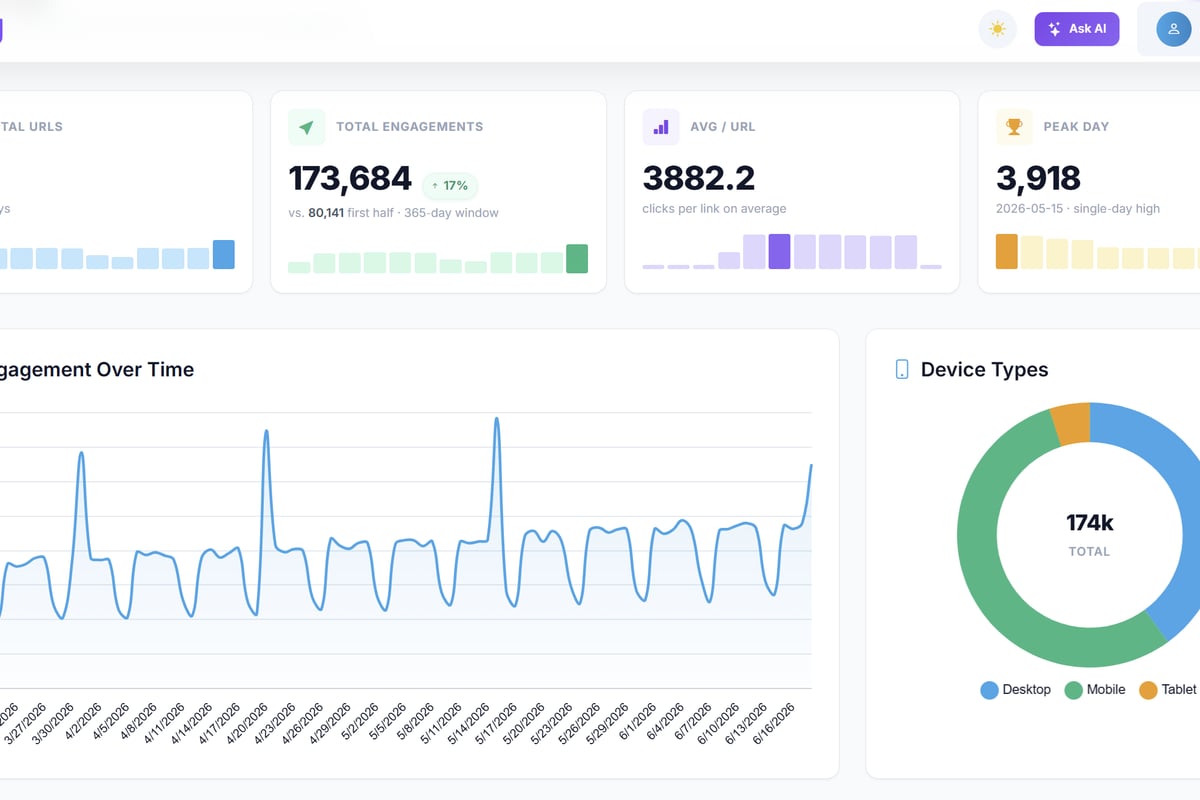
For link-intensive campaigns, track metrics specific to each shortened URL: total clicks, unique visitors, geographic distribution, device breakdown, and referral sources. These granular insights reveal which content formats, distribution channels, and messaging approaches generate the strongest response.
Iterative Planning and Refinement
Use historical performance data to inform future content decisions. Your template should enable easy comparison between similar content types, publication times, and promotional strategies. Identify patterns in high-performing content and systematically test hypotheses about what drives results.
Analysis workflows typically include:
- Weekly performance reviews of recently published content
- Monthly trend analysis across content categories
- Quarterly strategic assessments of campaign effectiveness
- Annual planning informed by year-over-year performance data
This analytical discipline transforms your content calendar template from a scheduling tool into a strategic asset that compounds knowledge over time.
Scaling Your Content Operations
As content volume grows, your template must evolve to accommodate increased complexity. Teams publishing daily across multiple channels need more sophisticated systems than those producing weekly blog posts.
Team Expansion Considerations
Adding team members requires clearer role definitions, more structured approval processes, and enhanced coordination mechanisms. Your content calendar template should support multiple simultaneous projects without creating confusion about ownership or status.
Consider implementing these scaling strategies:
- Content clusters - Group related pieces that support pillar topics
- Recurring content types - Templates for weekly features or monthly roundups
- Channel-specific calendars - Separate views optimized for each distribution platform
- Editorial guidelines - Linked style guides, brand standards, and quality checklists
- Asset libraries - Centralized storage for images, logos, and design elements
Different template structures accommodate various team configurations, from individual creators managing personal brands to enterprise marketing departments coordinating dozens of contributors.
Automation and Integration
Reduce manual effort by connecting your content calendar template to other marketing tools. Integration possibilities include:
| Integration Type | Benefit | Common Tools |
|---|---|---|
| Social schedulers | Auto-queue approved posts | Buffer, Hootsuite |
| Email platforms | Sync newsletter schedules | Mailchimp, ConvertKit |
| Analytics | Import performance data | Google Analytics, platform analytics |
| Link management | Generate tracking URLs | URL shorteners with analytics |
| Project management | Sync tasks and deadlines | Asana, Monday, Trello |
These integrations eliminate duplicate data entry, reduce human error, and provide comprehensive visibility into content operations from planning through performance analysis.
Customizing Templates for Specific Needs
No universal content calendar template serves every team perfectly. Effective implementation requires customization that reflects your unique workflows, goals, and constraints. Start with established frameworks, then modify based on practical experience.
Industry-Specific Adaptations
B2B technology companies emphasize thought leadership, case studies, and technical documentation. E-commerce brands focus on product launches, seasonal promotions, and user-generated content. Service businesses prioritize educational content, client success stories, and local SEO.
Your content calendar template should reflect these priorities through custom fields, specialized views, and industry-relevant metrics. A SaaS company might track free trial signups attributed to specific content pieces, while a local business monitors phone calls generated from blog posts.
Channel-Specific Requirements
Different distribution channels demand unique planning elements. Comprehensive planning frameworks account for platform-specific requirements:
- Blog content - SEO keywords, internal linking strategy, featured images
- Social media - Platform specifications, optimal posting times, hashtag strategies
- Email marketing - Segmentation criteria, subject line tests, send time optimization
- Video content - Script status, production schedule, thumbnail designs
- Podcasts - Guest coordination, recording dates, show notes
Some teams maintain separate calendars for each channel, while others prefer unified views with channel-specific columns. The optimal approach depends on how interconnected your cross-channel content strategy operates.
Maintaining Calendar Discipline
Even the most sophisticated content calendar template fails without consistent team adoption and maintenance. Establish clear protocols for how and when team members update the calendar, who authorizes changes, and how conflicts get resolved.
Regular Review Cadences
Schedule recurring calendar reviews at multiple intervals:
Daily standup - Brief check of upcoming deadlines and blockers Weekly planning - Confirm next week's publishing schedule and assignments Monthly strategy - Review performance, adjust upcoming month's plan Quarterly planning - Map major campaigns and content themes for next quarter
These structured reviews keep everyone aligned, surface potential issues early, and ensure the calendar accurately reflects current priorities rather than outdated plans.
Handling Changes and Flexibility
Content strategies must adapt to market developments, competitive moves, and organizational priorities. Your template should accommodate changes without creating chaos. Establish versioning systems that preserve planning history while reflecting current reality.
When significant changes occur, document the rationale. This practice creates organizational memory about what worked, what didn't, and why strategic direction shifted. Future planning benefits from this historical context, preventing teams from repeating past mistakes or abandoning successful approaches without good reason.
A well-structured content calendar template transforms scattered publishing efforts into strategic marketing operations that drive measurable business results. By incorporating workflow stages, performance tracking, and link management capabilities, your calendar becomes the central hub for content excellence and campaign optimization. When you're ready to elevate your content strategy with sophisticated link intelligence, trimy provides the analytics, A/B testing, and tracking capabilities that turn every published link into actionable revenue signals, seamlessly integrating with your content planning workflow to maximize campaign performance.