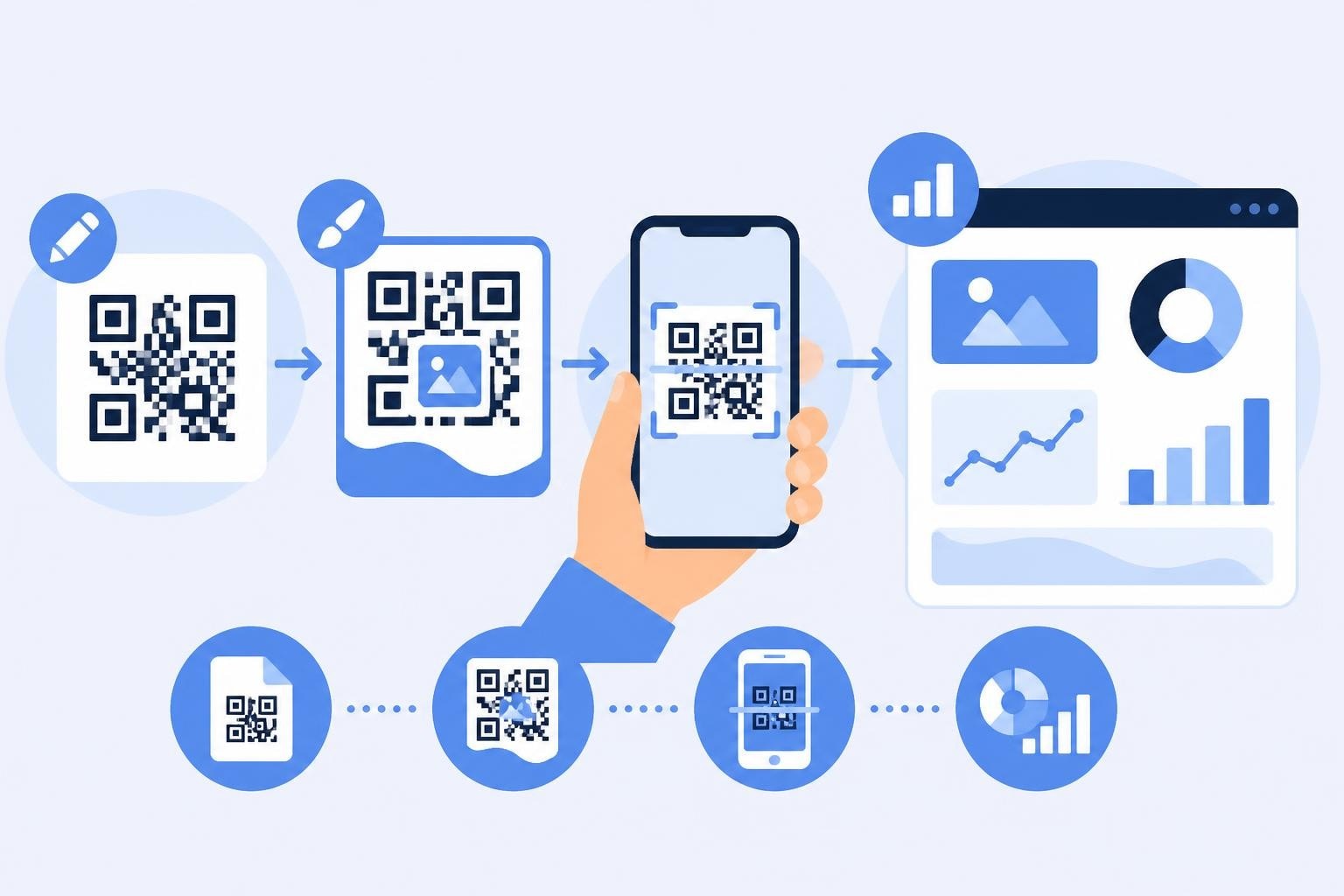
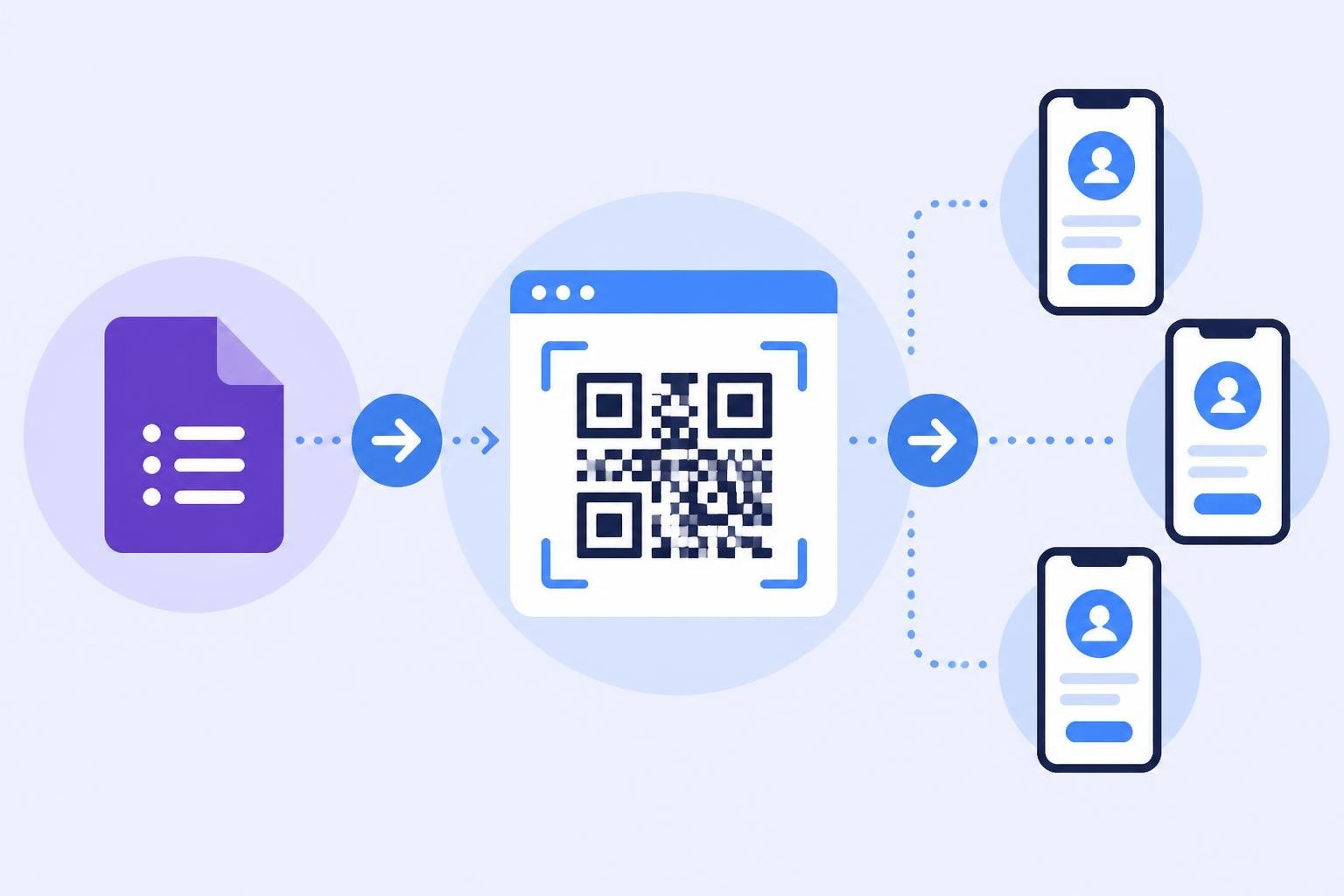
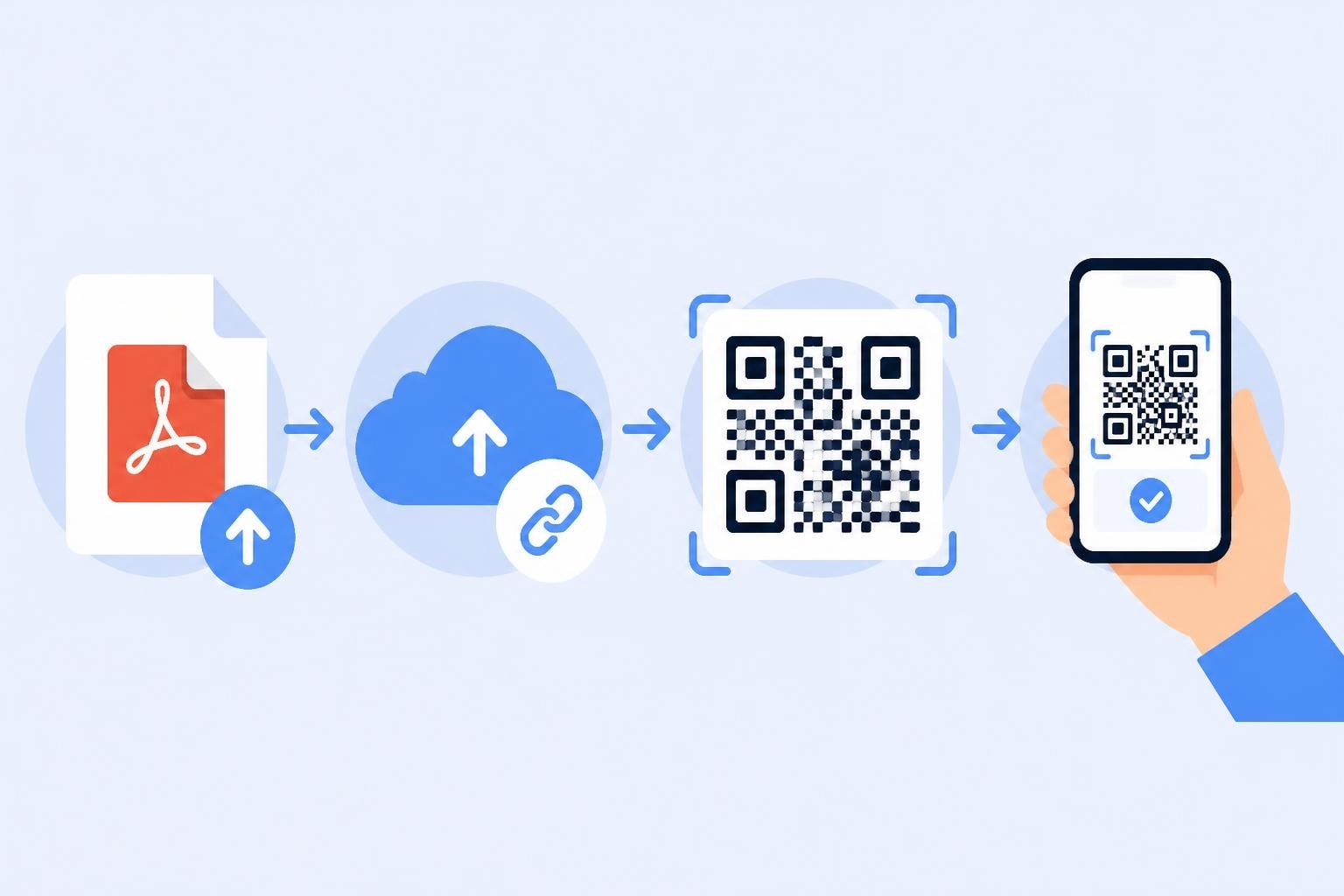
Canva QR Code Generator: Complete Guide for 2026
QR codes have evolved from simple black-and-white squares into powerful marketing tools that bridge the physical and digital worlds. The canva qr code generator has emerged as a popular choice for marketers and designers who want to create visually appealing, brand-consistent codes without specialized software. As businesses increasingly rely on trackable links and offline-to-online conversion paths, understanding how to leverage Canva's QR capabilities within a broader link management strategy becomes essential for maximizing campaign performance.
Understanding the Canva QR Code Generator
The canva qr code generator integrates seamlessly into Canva's design ecosystem, allowing users to add scannable codes directly to their creative projects. This native functionality eliminates the need to switch between multiple platforms when designing marketing materials that require QR codes.
Core Functionality and Features
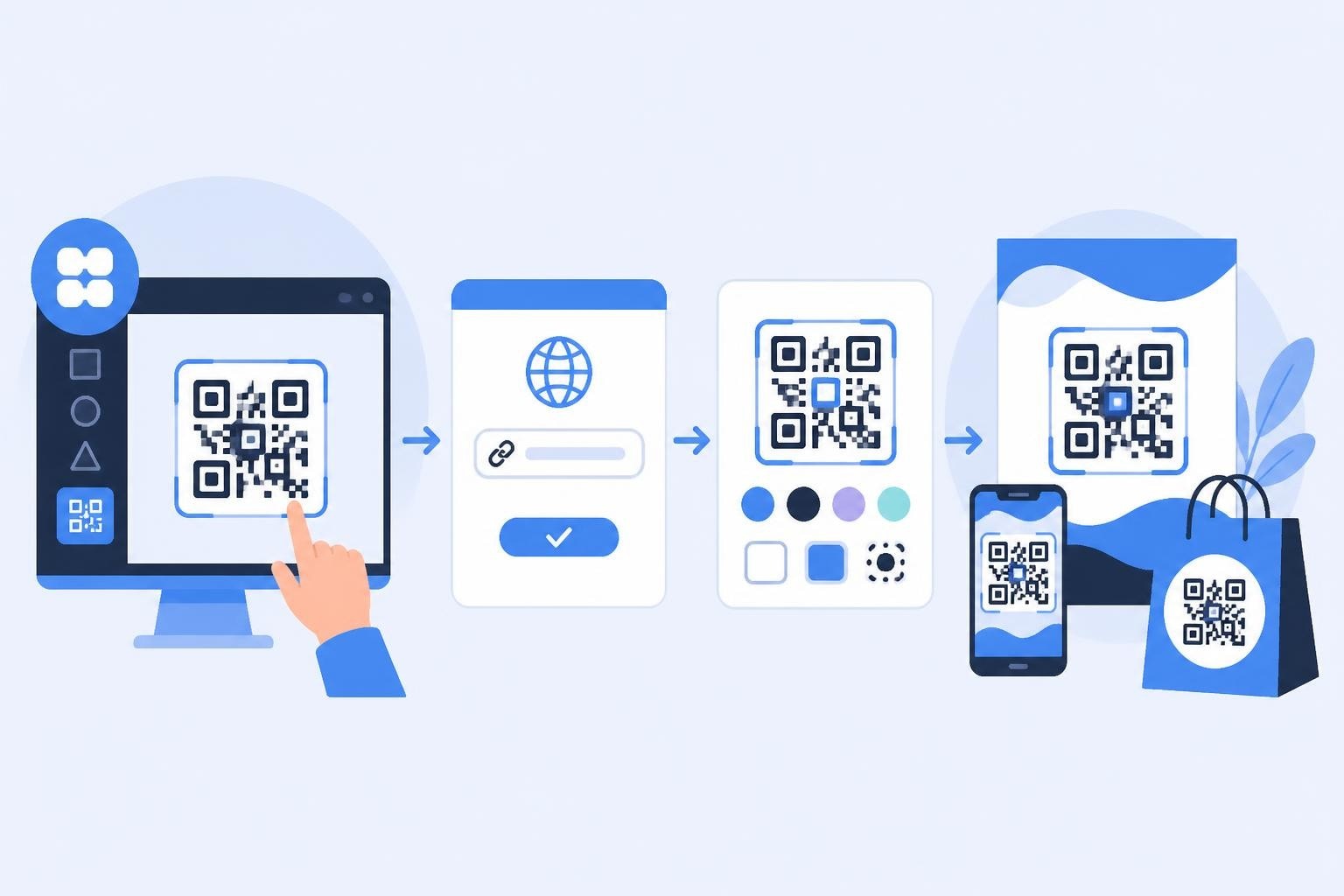
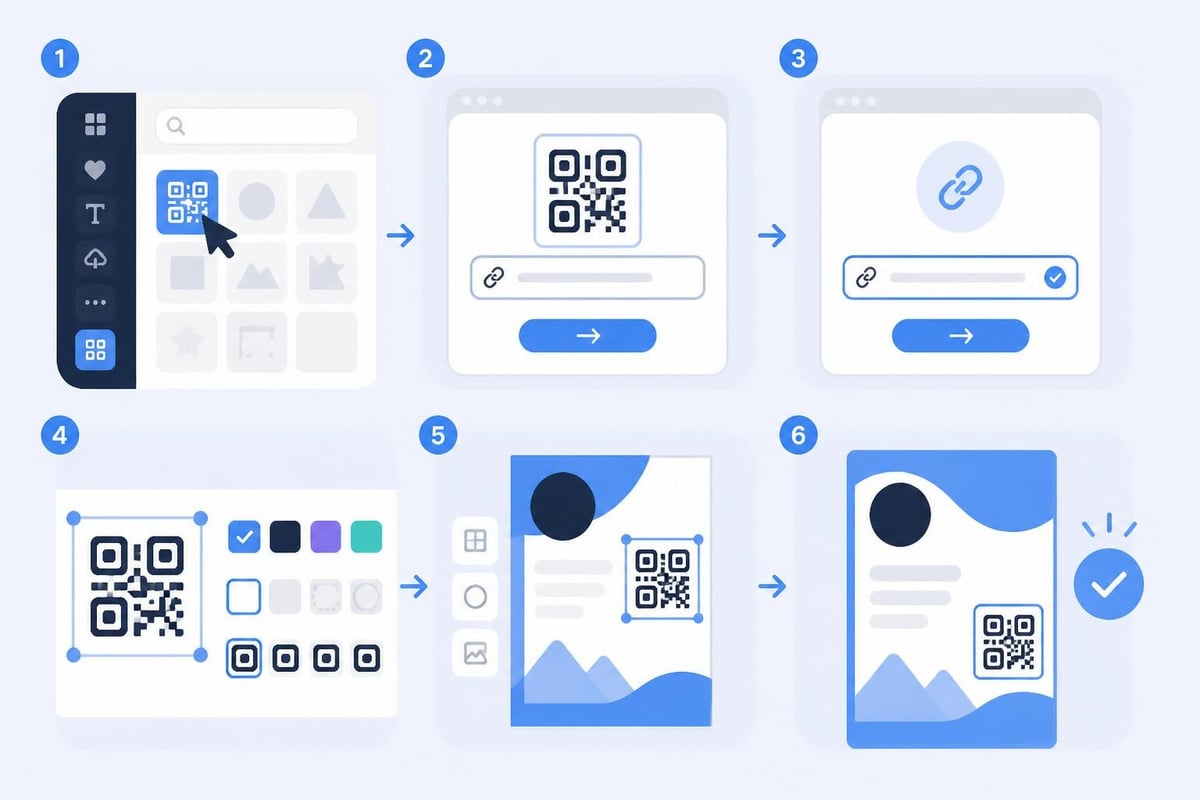
Canva provides QR code generation through its elements library, where users can search for "QR code" and insert a customizable element into any design. The basic process involves:
- Adding the QR code element to your canvas
- Entering the destination URL or content
- Adjusting size and position within your design
- Customizing colors to match brand guidelines
- Downloading the final design with the embedded code
The platform automatically generates a functional QR code that updates in real-time as you modify the destination URL. This immediate feedback loop helps designers verify their codes before finalizing materials.
Design Customization Options
One significant advantage of using the canva qr code generator is the ability to maintain visual consistency across branded materials. Users can modify:
Color schemes to align with brand palettes, though maintaining sufficient contrast between foreground and background remains critical for scannability. Size and placement within larger designs such as posters, business cards, or social media graphics. Surrounding design elements that frame or draw attention to the code without interfering with scan functionality.
However, Canva's customization options have limitations compared to dedicated QR code platforms. The generator focuses primarily on basic color modification rather than advanced features like logo embedding or pattern customization.
Strategic Implementation for Marketing Campaigns
Creating a QR code in Canva represents just the first step in a successful offline-to-online marketing strategy. The true value emerges when codes connect to intelligent link management systems that provide tracking, analytics, and optimization capabilities.
Planning Your QR Code Strategy
Before generating codes in Canva, marketers should establish clear objectives and measurement frameworks. Consider these strategic elements:
- Define conversion goals for each QR code deployment
- Map the customer journey from scan to desired action
- Establish tracking parameters to measure campaign performance
- Plan for testing different destinations and offers
- Create mobile-optimized landing pages that match code placement context
According to research on QR code implementation best practices, context-appropriate placement and clear value propositions significantly increase scan rates and downstream conversions.
Integration with Link Management Platforms
While the canva qr code generator creates functional codes, connecting them to sophisticated link management infrastructure unlocks advanced capabilities. Marketing teams benefit from:
| Feature | Business Value | Use Case Example |
|---|---|---|
| Click analytics | Measure scan volume, time, location | Track poster performance across different retail locations |
| A/B testing | Compare different landing pages | Test two promotional offers with identical poster designs |
| Smart routing | Direct users based on device, location, time | Send mobile users to app download, desktop users to web signup |
| Retargeting pixels | Build audiences from QR scans | Create custom audiences for follow-up advertising campaigns |
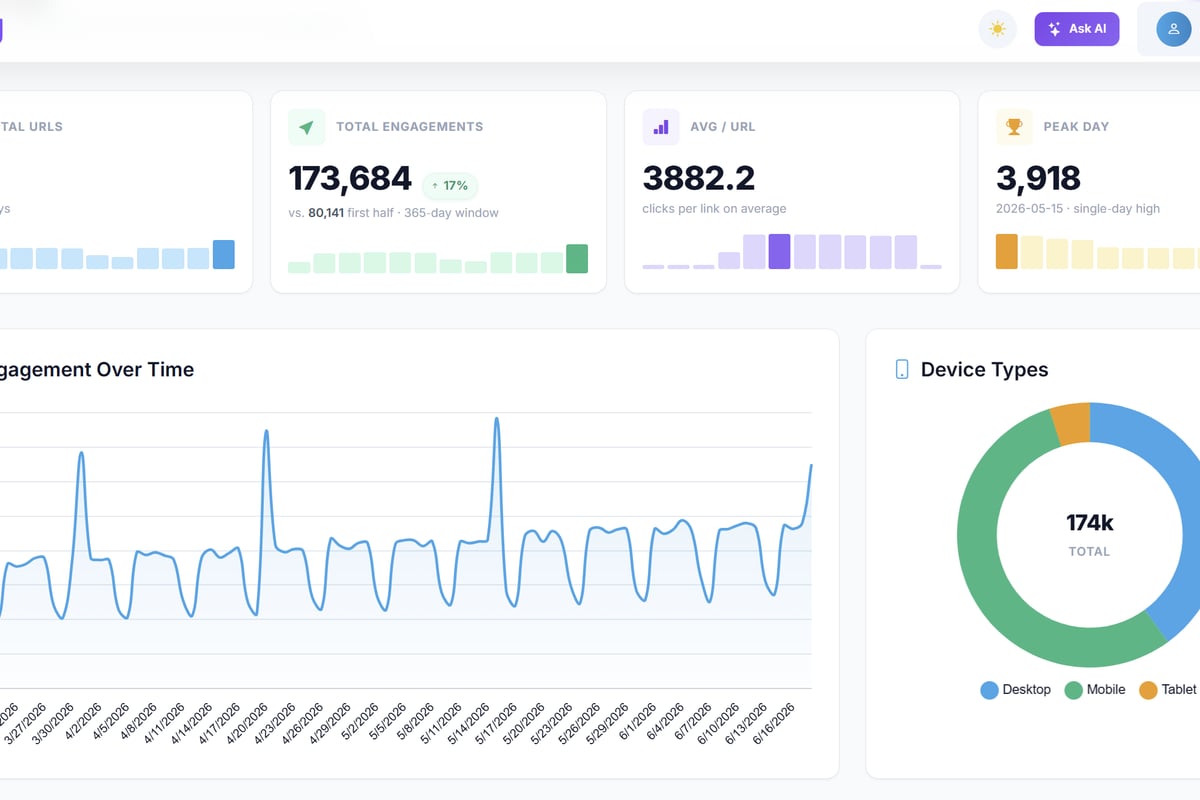
This is where platforms designed for link intelligence become invaluable. Trimy enables marketers to create shortened, trackable URLs that work seamlessly with QR codes generated in Canva, providing comprehensive analytics on scan behavior, geographic distribution, device types, and conversion paths-all while maintaining brand consistency through custom domains.
Testing and Optimization
The canva qr code generator produces static codes that cannot be updated after printing. This limitation makes pre-deployment testing critical:
- Scan the code yourself using multiple devices and QR reader apps
- Test from various distances to ensure appropriate sizing
- Verify the destination URL loads quickly on mobile connections
- Check all tracking parameters fire correctly
- Confirm mobile responsiveness of landing pages
Dynamic QR codes that point to manageable short links provide flexibility to update destinations without reprinting materials, a significant advantage for long-running campaigns.
Technical Considerations and Best Practices
Successful QR code implementation requires attention to technical specifications that affect scannability and user experience. The canva qr code generator handles basic code creation, but designers must understand broader technical requirements.
Size and Scanning Distance Requirements
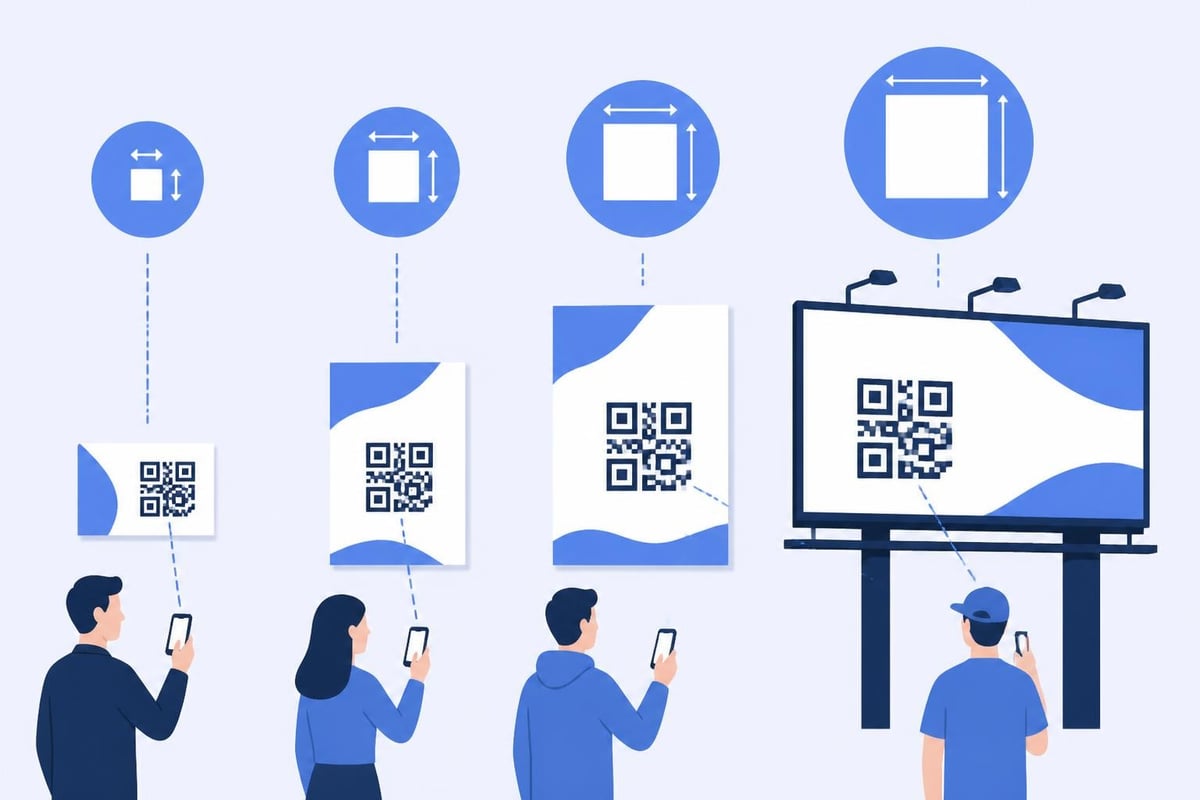
QR code readability depends on the relationship between physical size and scanning distance. The minimum recommended size is 2 x 2 centimeters (approximately 0.8 x 0.8 inches) for codes scanned at close range.
Calculate appropriate sizing using this formula: Minimum size = Scanning distance ÷ 10
For a billboard viewed from 20 feet away, the QR code should measure at least 2 feet square. For business cards scanned at 4 inches, a 0.4-inch code suffices.
Contrast and Color Requirements
While the canva qr code generator allows color customization, maintaining adequate contrast ensures reliable scanning. Follow these guidelines:
- Maintain a 3:1 contrast ratio minimum between foreground and background
- Use darker colors for the code pattern and lighter backgrounds
- Avoid low-contrast combinations like yellow on white or navy on black
- Test modified codes with multiple scanner apps before printing
The technical structure of QR codes includes error correction capabilities that allow partial damage or obstruction, but excessive customization can exceed these tolerances.
Error Correction Levels
QR codes support four error correction levels that determine how much damage a code can sustain while remaining scannable:
| Level | Error Tolerance | Best Use Case |
|---|---|---|
| L (Low) | 7% damage | Digital displays, clean environments |
| M (Medium) | 15% damage | General purpose printing |
| Q (Quartile) | 25% damage | Outdoor materials, potential wear |
| H (High) | 30% damage | Logo embedding, high-traffic areas |
The canva qr code generator typically uses medium error correction, which balances reliability with data capacity. For physically demanding environments, consider regenerating codes with higher correction levels using specialized tools.
Accessibility and Security Considerations
Deploying QR codes in marketing campaigns introduces both accessibility challenges and security risks that responsible marketers must address. The canva qr code generator creates the visual element, but broader implementation requires thoughtful planning.
Making QR Codes Accessible
QR codes inherently present accessibility barriers for people with visual impairments or those without smartphone access. Federal accessibility guidance recommends several accommodations:
- Always provide alternative access methods such as short URLs or phone numbers
- Include clear instructions on what the code does and where it leads
- Use descriptive text explaining the destination and value proposition
- Ensure landing pages comply with WCAG accessibility standards
- Position codes at accessible heights and locations
For example, a restaurant menu QR code should include "Scan to view menu or visit restaurantname.com/menu" rather than just displaying the code alone.
Security and Phishing Risks
QR codes mask their destinations, creating opportunities for malicious actors to redirect users to phishing sites or malware. Research on QR code phishing attacks demonstrates that users rarely verify destinations before scanning, making education and protective measures essential.
Protect your audience by:
- Using recognizable branded short links that users can verify before clicking
- Including your brand name near the QR code to establish trust
- Avoiding generic QR codes on financial or sensitive documents
- Educating users about QR security through your communications
- Monitoring linked pages for signs of compromise or hijacking
The canva qr code generator creates codes pointing to any URL, making it your responsibility to ensure destination security and transparency.
Privacy and Tracking Transparency
QR codes often serve as tracking mechanisms that collect user data during scans and subsequent interactions. Analysis of the QR code tracking ecosystem reveals significant privacy implications that marketers should address transparently.
Best practices include:
- Disclosing tracking in your privacy policy and near QR codes
- Limiting data collection to business-necessary information
- Securing analytics data according to applicable privacy regulations
- Providing opt-out mechanisms for persistent tracking like retargeting
- Honoring data retention policies that minimize exposure
Advanced Use Cases and Campaign Ideas
The canva qr code generator serves diverse marketing applications beyond basic URL linking. Creative implementation amplifies campaign impact and differentiates brand experiences.
Event Marketing and Networking
QR codes streamline event experiences by reducing friction in registration, information access, and post-event follow-up:
- Conference badges with codes linking to attendee LinkedIn profiles or digital business cards
- Product demonstrations where codes provide instant access to specifications, pricing, or purchase pages
- Venue navigation connecting physical signage to interactive maps or schedules
- Lead capture replacing manual form completion with scan-to-submit workflows
Combining the canva qr code generator with dynamic link management enables real-time updates to event schedules or last-minute venue changes without reprinting materials.
Packaging and Product Authentication
Physical products benefit from QR integration that extends customer engagement beyond the point of purchase:
Instruction manuals become interactive with codes linking to video tutorials or troubleshooting guides. Warranty registration simplifies through scan-to-register workflows that pre-populate product information. Authenticity verification builds trust through codes linking to certificate databases or blockchain records. Replenishment programs trigger automated reordering for consumable products.
Offline-to-Online Attribution
One of the most valuable applications involves tracking which offline marketing materials drive online conversions. The canva qr code generator combined with UTM-tagged short links enables precise attribution:
| Material Type | QR Code Destination | Tracking Parameters |
|---|---|---|
| Print magazine ad | brand.link/summer-mag | utm_source=magazine&utm_medium=qr&utm_campaign=summer2026 |
| Transit poster | brand.link/subway-q3 | utm_source=transit&utm_medium=qr&utm_campaign=subway_expansion |
| Direct mail piece | brand.link/mailer-zip98101 | utm_source=direct_mail&utm_medium=qr&utm_campaign=local_targeting |
This granular tracking reveals which offline channels justify continued investment and which underperform relative to cost.
Design Integration and Brand Consistency
The canva qr code generator exists within a comprehensive design environment, making it particularly effective for maintaining brand consistency across touchpoints. Strategic integration enhances both aesthetics and functionality.
Visual Hierarchy and Call-to-Action Design
QR codes compete for attention with other design elements, requiring thoughtful placement and emphasis:
- Position codes in expected locations such as bottom corners or near contact information
- Provide clear value statements explaining what users receive by scanning
- Use directional cues like arrows or "Scan here" text to guide attention
- Ensure adequate white space around codes for clean scanning
- Match surrounding design elements to overall campaign aesthetics
Effective calls-to-action might include "Scan for 20% off your next order" or "Get the recipe instantly" rather than generic "Scan me" instructions.
Multi-Channel Campaign Consistency
The canva qr code generator facilitates cohesive campaigns that span digital and physical channels:
Create a design template in Canva that includes your QR code, then adapt it across business cards, flyers, social media graphics, email signatures, and presentation slides. This consistency reinforces brand recognition and increases user confidence in scanning codes from various sources.
Maintain a library of QR code-enabled templates for recurring campaigns, seasonal promotions, or different customer segments, adjusting destinations through your link management platform while keeping design elements constant.
File Format and Print Specifications
When exporting designs containing QR codes from Canva, format selection impacts final quality:
- Use PNG format at 300 DPI minimum for professional printing
- Select PDF format for designs with multiple pages or vector requirements
- Avoid heavy JPEG compression that can distort code patterns
- Request printer proofs before full production runs
- Test scannability from actual printed samples, not just screen previews
Professional printers may request specific file formats or higher resolutions for large-format materials like banners or vehicle wraps.
Measurement and Performance Analysis
Creating QR codes with the canva qr code generator represents the execution phase of your campaign. Measuring performance and iterating based on data determines long-term success.
Key Performance Indicators
Track these metrics to evaluate QR code campaign effectiveness:
- Scan rate (scans ÷ estimated impressions)
- Scan-to-conversion rate (conversions ÷ total scans)
- Geographic distribution of scans revealing effective placement locations
- Time-of-day patterns showing when audiences engage
- Device breakdown indicating mobile vs. tablet usage
- Return visitor rate measuring sustained engagement
Benchmark performance against industry standards while recognizing that context heavily influences results. A restaurant menu QR code should achieve higher scan rates than a billboard advertisement.
Iterative Optimization
Use performance data to refine ongoing and future campaigns:
Test different placements of identical materials to identify high-traffic, high-engagement locations. Experiment with calls-to-action by creating variations that emphasize different value propositions. Adjust landing page experiences based on device data and drop-off analysis. Optimize destination URLs for mobile loading speed and conversion paths. Refresh creative designs when scan rates decline over extended campaign periods.
The canva qr code generator makes creating new code designs efficient, enabling rapid iteration without significant production costs for digital materials.
Cross-Campaign Learning
Aggregate insights across multiple QR code deployments to identify patterns and best practices specific to your audience:
- Which product categories generate highest engagement through QR scans?
- Do certain geographic markets respond better to QR-based offers?
- What time delays exist between scan and conversion for different campaign types?
- How do QR-driven conversions compare to other marketing channels in customer lifetime value?
This intelligence informs budget allocation, creative development, and channel strategy beyond individual campaign performance.
The canva qr code generator provides an accessible, design-integrated solution for creating visually consistent QR codes across marketing materials. When combined with intelligent link management and comprehensive analytics, these codes transform from simple redirects into powerful attribution and optimization tools. Trimy enhances your QR code campaigns with advanced tracking, A/B testing, smart routing, and deep analytics that turn every scan into actionable marketing intelligence-helping you understand exactly which offline touchpoints drive real business results.