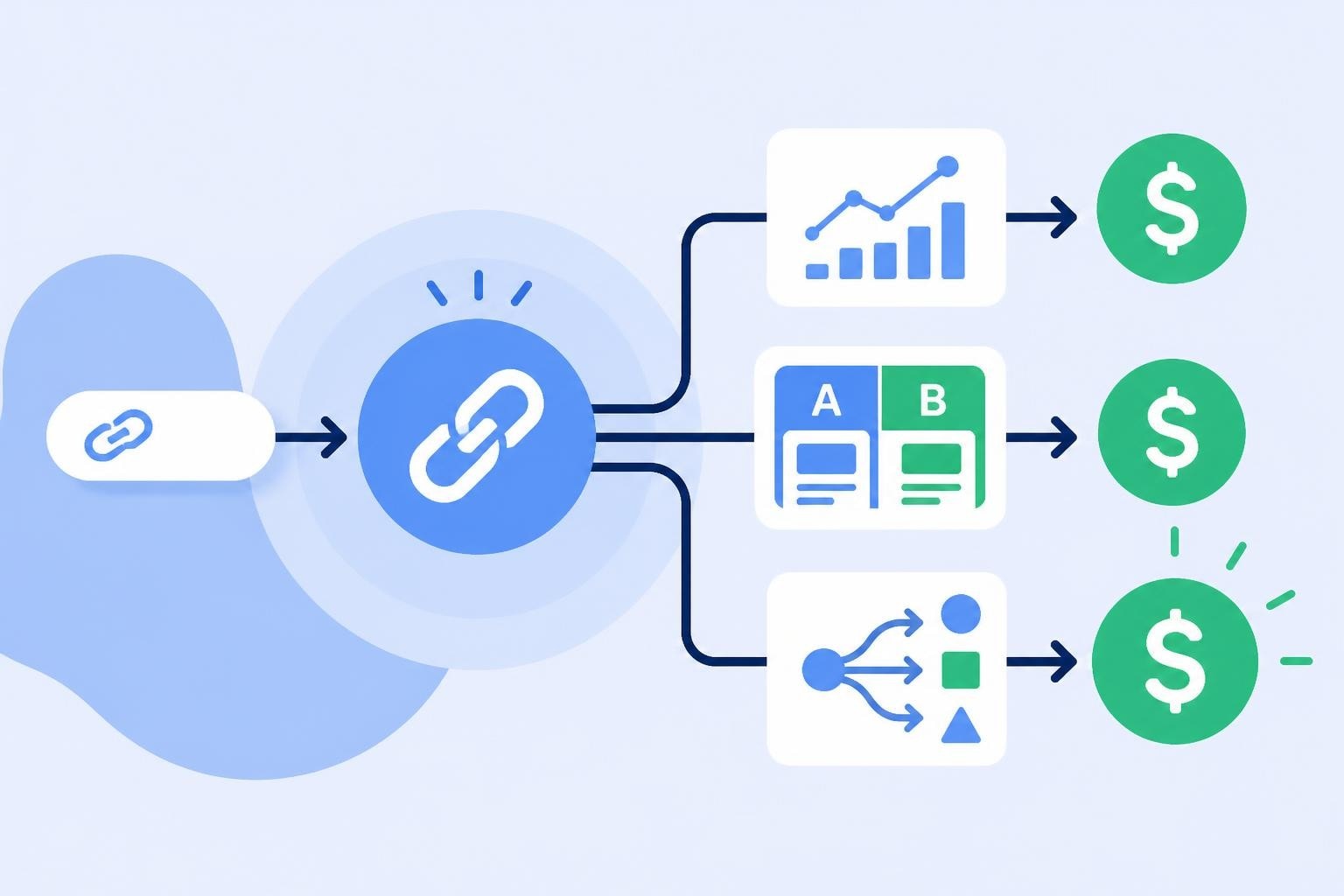
Google Analytics WordPress: Complete Setup Guide 2026

Understanding how your WordPress site performs is essential for making informed marketing decisions. Integrating Google Analytics with WordPress provides the data foundation you need to track visitor behavior, measure campaign effectiveness, and optimize content strategy. Whether you're running a simple blog, an enterprise content site, or an eCommerce store, proper analytics implementation transforms raw traffic into actionable intelligence that drives growth.
Why Google Analytics Matters for WordPress Sites
Google Analytics 4 (GA4) has become the standard analytics platform for websites in 2026, replacing the deprecated Universal Analytics. For WordPress site owners, GA4 offers advanced tracking capabilities that go beyond simple page views.
The platform tracks user journeys across devices, measures engagement metrics, and provides predictive insights about user behavior. These capabilities are particularly valuable for marketers who need to understand which content resonates, which campaigns drive conversions, and where visitors drop off in the funnel.
Key Benefits of Analytics Integration
- Real-time visitor monitoring shows who's on your site right now and what they're viewing
- Acquisition reports reveal which channels (organic search, social media, email, paid ads) drive the most valuable traffic
- Engagement metrics measure how users interact with your content and how long they stay
- Conversion tracking monitors goal completions, form submissions, and eCommerce transactions
- Audience insights segment visitors by demographics, interests, and technology
Privacy considerations have also evolved significantly. Running analytics on WordPress sites serving EU visitors requires compliance with GDPR and data protection regulations, including proper consent management and data processing agreements.

Methods to Add Google Analytics to WordPress
You have three primary approaches for implementing google analytics wordpress integration, each with distinct advantages depending on your technical comfort level and specific requirements.
Using Google Site Kit Plugin
The Site Kit by Google represents the official solution from Google. This free plugin connects multiple Google services directly through your WordPress dashboard.
Installation process:
- Install and activate Site Kit from the WordPress plugin repository
- Authenticate with your Google account
- Select which Google services to connect (Analytics, Search Console, AdSense, PageSpeed Insights)
- Complete the setup wizard to configure GA4 properties
- Verify tracking implementation through the plugin dashboard
Site Kit automatically places the tracking code on every page without manual editing. The plugin also surfaces key metrics directly in your WordPress admin area, eliminating the need to switch between platforms constantly.
The primary advantage is simplicity and ongoing maintenance. Google updates the plugin to maintain compatibility with WordPress core updates and GA4 changes. For troubleshooting common issues, the official Site Kit support documentation provides comprehensive guidance.
Manual Implementation with Tracking Code
For developers and those who prefer complete control, manual implementation involves adding the GA4 tracking script directly to your theme.
| Method | Complexity | Control | Maintenance |
|---|---|---|---|
| Site Kit Plugin | Low | Medium | Automatic |
| Manual Code | Medium | High | Manual |
| Tag Manager | High | Highest | Manual |
The WordPress.com support guide on adding code to headers explains where to place tracking scripts properly. You'll typically add the gtag.js snippet to your theme's header.php file or use a child theme to prevent updates from overwriting your changes.
Manual implementation steps:
- Create a GA4 property in your Google Analytics account
- Copy the measurement ID (G-XXXXXXXXXX format)
- Generate the gtag.js tracking code from Analytics
- Add the code to your theme's header before the closing
</head>tag - Test using Google Tag Assistant or GA4's real-time reports
This approach works well when you need custom event tracking, want to minimize plugin bloat, or require precise control over when and how tracking fires.
Third-Party Analytics Plugins
Several specialized WordPress plugins offer google analytics wordpress integration with additional features beyond basic tracking. These include MonsterInsights, ExactMetrics, and GA Google Analytics.
These plugins typically provide:
- Visual report builders within WordPress
- Enhanced eCommerce tracking without coding
- Custom dimension configuration through interfaces
- Form tracking and file download monitoring
- Integration with popular page builders
The trade-off involves additional cost (many premium features require paid licenses) and potentially heavier resource usage compared to Site Kit or manual implementation.
Configuring GA4 for WordPress Success
After implementing tracking code, proper configuration ensures you collect meaningful data aligned with your business objectives.
Essential Setup Tasks
Configure data streams correctly by verifying your WordPress site URL matches the stream configuration exactly. Mismatched URLs cause tracking failures that corrupt data quality.
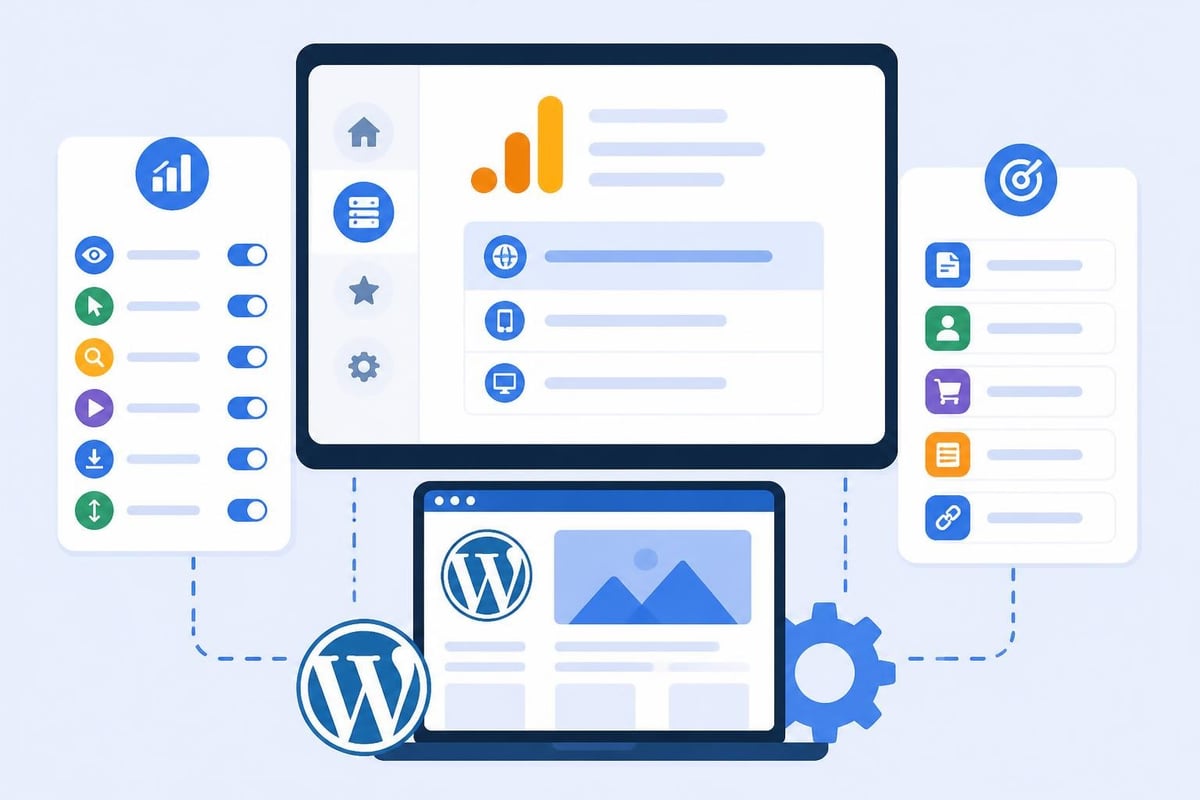
Enable enhanced measurement in GA4 to automatically track:
- Scroll depth (25%, 50%, 75%, 90%)
- Outbound link clicks
- Site search queries
- Video engagement
- File downloads
These events provide valuable insights without custom code. For link-heavy marketing sites, understanding which outbound links drive the most clicks helps optimize partnership strategies and affiliate programs.
Goals and Conversion Tracking
Define conversions based on your WordPress site's purpose. Content sites might track newsletter signups and resource downloads. Service businesses focus on contact form submissions and consultation requests.
In GA4, conversions are marked events. You can designate any event as a conversion through the Admin panel. Common WordPress conversions include:
- Form submissions (contact, lead generation, quote requests)
- Newsletter signups
- Resource downloads (PDFs, ebooks, templates)
- Account registrations
- Time-on-site thresholds for engagement
For WooCommerce stores, proper eCommerce tracking is critical. The WooCommerce Google Analytics integration guide walks through setting up purchase tracking, product impressions, and shopping behavior analysis.
Advanced Tracking for Marketing Campaigns
Marketers running multiple campaigns need granular tracking to attribute conversions accurately and optimize spend allocation.
UTM Parameter Strategy
UTM parameters transform generic links into intelligent tracking signals. When you share WordPress content across channels, properly tagged URLs tell Analytics exactly which campaign, source, and medium drove each visit.
Standard UTM structure:
utm_source: Platform sending traffic (facebook, newsletter, partner-site)utm_medium: Marketing medium (social, email, cpc, referral)utm_campaign: Specific campaign name (spring-sale, product-launch, webinar-2026)utm_content: Ad variant or link position (banner-a, sidebar-link)utm_term: Paid search keywords
Consistent naming conventions prevent fragmented data. Document your UTM taxonomy and train team members to follow it religiously. Even small variations ("Facebook" vs "facebook") create separate source entries in reports.
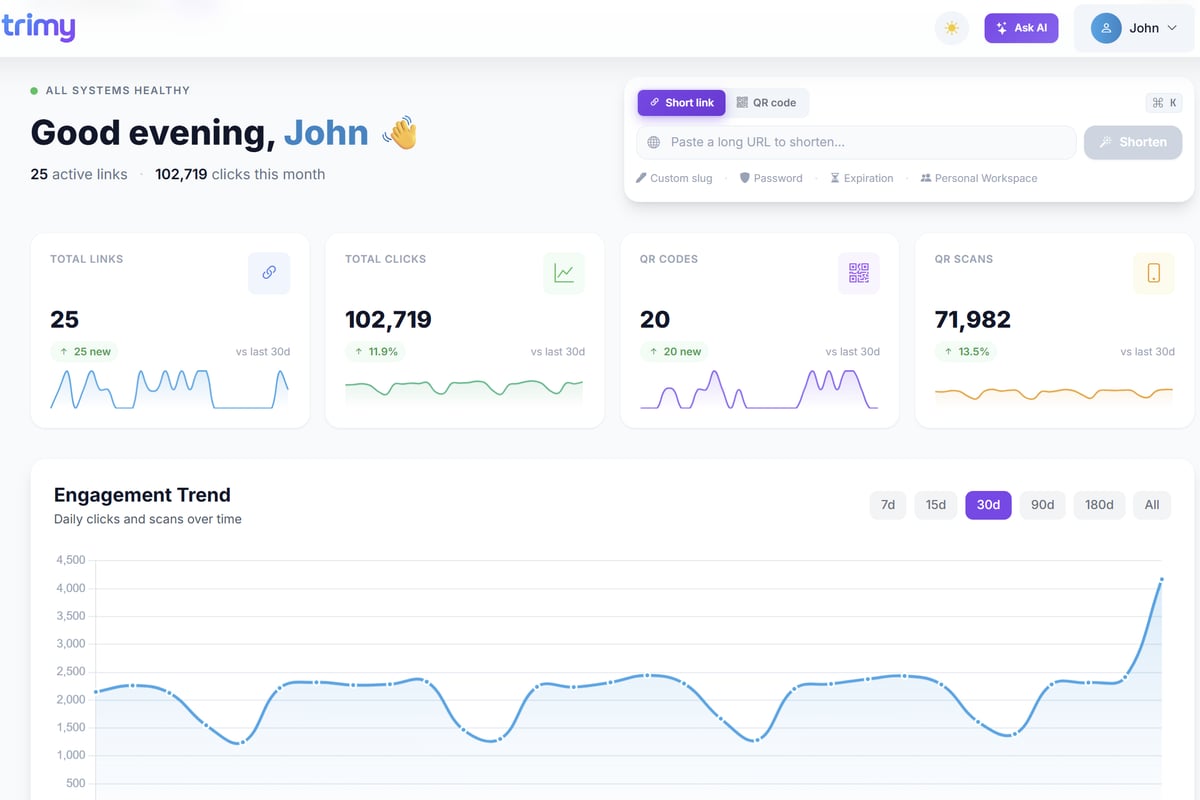
Link management platforms excel at enforcing UTM consistency while providing additional intelligence layers. Trimy offers centralized UTM campaign management, ensuring every shortened link maintains proper tracking parameters while providing real-time analytics that complement GA4 data. This approach transforms links into revenue signals by connecting click data with conversion outcomes across platforms.
Event Tracking for User Interactions
GA4's event-based model captures user interactions beyond page views. For WordPress sites, valuable custom events include:
- Button clicks (CTA buttons, social sharing, navigation elements)
- Section visibility (which homepage sections users actually view)
- Search usage (how visitors use internal site search)
- Media engagement (video plays, podcast listening, slideshow interactions)
Developers can implement custom events using Google Tag Manager or by adding event tracking code directly. The Search Engine Journal guide to adding Google Analytics to WordPress covers verification methods to confirm events fire correctly.
Interpreting WordPress Analytics Data
Collecting data means nothing without interpretation and action. GA4 reports reveal user behavior patterns that inform content strategy, site architecture, and marketing investment.
Traffic Acquisition Analysis
The Acquisition reports show which channels bring visitors to your WordPress site. Compare channel performance by examining:
| Channel | Typical Metrics | Optimization Actions |
|---|---|---|
| Organic Search | Sessions, engagement rate, conversions | SEO content optimization, technical improvements |
| Direct | Returning users, brand awareness | Email marketing, offline campaigns |
| Referral | New users, partner quality | Partnership development, link building |
| Social | Engagement, shares | Content format testing, posting schedule |
| Paid Search | CPA, conversion rate | Keyword bidding, landing page optimization |
The Yoast guide to tracking SEO with Google Analytics provides specific strategies for WordPress sites focused on organic search performance. Monitor which pages rank, what queries drive traffic, and how organic visitors engage differently than paid traffic.
Content Performance Metrics
Pages and screens reports reveal which WordPress content resonates with your audience. Sort by engagement rate rather than page views alone, as engagement better indicates content quality.
Key content metrics:
- Average engagement time per page
- Scroll depth percentage
- Bounce rate (in GA4, actually engagement rate inverse)
- Conversions attributed to specific pages
Identify top-performing content and analyze common characteristics. Do longer articles perform better? Which topics drive the most engagement? Use these insights to inform your editorial calendar and content production priorities.
User Journey Mapping
Path exploration reports visualize how visitors navigate through your WordPress site. Understanding common user journeys helps optimize site architecture and internal linking.
Start by examining:
- Landing page to second page transitions
- Paths to conversion (which page sequences lead to goals)
- Drop-off points (where users leave without converting)
- Entry and exit pages for different traffic sources
If visitors consistently land on blog posts but never reach service pages, your internal linking strategy needs revision. If product pages have high exit rates, consider adding comparison tables, testimonials, or stronger calls to action.
Optimizing WordPress Performance Based on Analytics
Data-driven optimization separates effective marketing from guesswork. Apply analytics insights systematically to improve WordPress site performance.
Page Speed and Technical Metrics
GA4 integrates with PageSpeed Insights through Site Kit, surfacing technical performance data alongside behavioral metrics. Page speed directly impacts both user experience and search rankings in 2026.
Monitor Core Web Vitals through Analytics:
- Largest Contentful Paint (LCP): Should occur within 2.5 seconds
- First Input Delay (FID): Should be less than 100 milliseconds
- Cumulative Layout Shift (CLS): Should be less than 0.1
Pages with poor technical performance typically show higher bounce rates and lower engagement. Prioritize optimization for high-traffic pages with technical issues to maximize impact.
A/B Testing and Experimentation
While GA4 includes basic experimentation features, many WordPress marketers supplement with dedicated testing platforms for more sophisticated experiments.
Test elements that directly impact conversions:
- Headline variations on landing pages
- CTA button text, color, and placement
- Form length and field requirements
- Content layout and visual hierarchy
- Navigation structure and menu organization
Link-based A/B tests allow you to route traffic between variations while maintaining consistent URLs for SEO purposes. This approach works particularly well for testing entire page layouts or conversion funnel sequences.
Mobile vs Desktop Optimization
Device category reports segment behavior by phone, tablet, and desktop. Mobile traffic dominates most WordPress sites in 2026, often exceeding 70% of total sessions.
Compare engagement metrics across devices:
- Mobile users typically have shorter sessions but higher intent for local searches
- Desktop users engage more deeply with long-form content and complex tools
- Tablet behavior often mirrors desktop more than mobile
If mobile conversion rates significantly lag desktop rates, audit your responsive design, form usability, and page speed on actual devices. Google's mobile-friendly test and PageSpeed Insights mobile scores provide specific improvement recommendations.
Privacy, Compliance, and Data Governance
Running Google Analytics on WordPress requires balancing data collection with user privacy rights and regulatory compliance.
Cookie Consent Management
GDPR, CCPA, and similar regulations require explicit consent before setting analytics cookies in many jurisdictions. WordPress sites need consent management platforms (CMPs) that:
- Display compliant cookie notices before tracking begins
- Allow granular consent choices (strictly necessary vs analytics vs marketing)
- Respect user preferences across sessions
- Maintain consent records for compliance documentation
Popular WordPress consent plugins integrate with GA4 to prevent tracking until users provide consent. This impacts data completeness but ensures legal compliance.
Data Retention and Anonymization
Configure GA4 data retention settings appropriately for your business needs and legal requirements. Options range from 2 months to 14 months for user-level data.
Enable IP anonymization in GA4 to mask visitor IP addresses, reducing personal data collection. While GA4 anonymizes IPs by default in many regions, verify your property settings match your privacy policy commitments.
Analytics for WooCommerce Compliance
eCommerce WordPress sites face additional compliance considerations. The WooCommerce Google Analytics integration documentation covers proper implementation that respects customer privacy while tracking purchase behavior.
Avoid sending personally identifiable information (PII) through custom dimensions or event parameters. Email addresses, names, and other PII violate Google Analytics terms of service and privacy regulations when sent to GA4 properties.
Implementing google analytics wordpress integration properly transforms your website from a digital presence into an intelligence platform that drives measurable growth. By combining proper technical setup, thoughtful event tracking, and systematic analysis, you create the data foundation needed for informed marketing decisions. When you pair WordPress analytics with intelligent link management through Trimy, you gain complete visibility into how traffic flows through your campaigns, which channels drive the highest-value visitors, and where optimization efforts deliver the greatest returns on investment.