What Is a CTA? A Complete Guide for Marketers
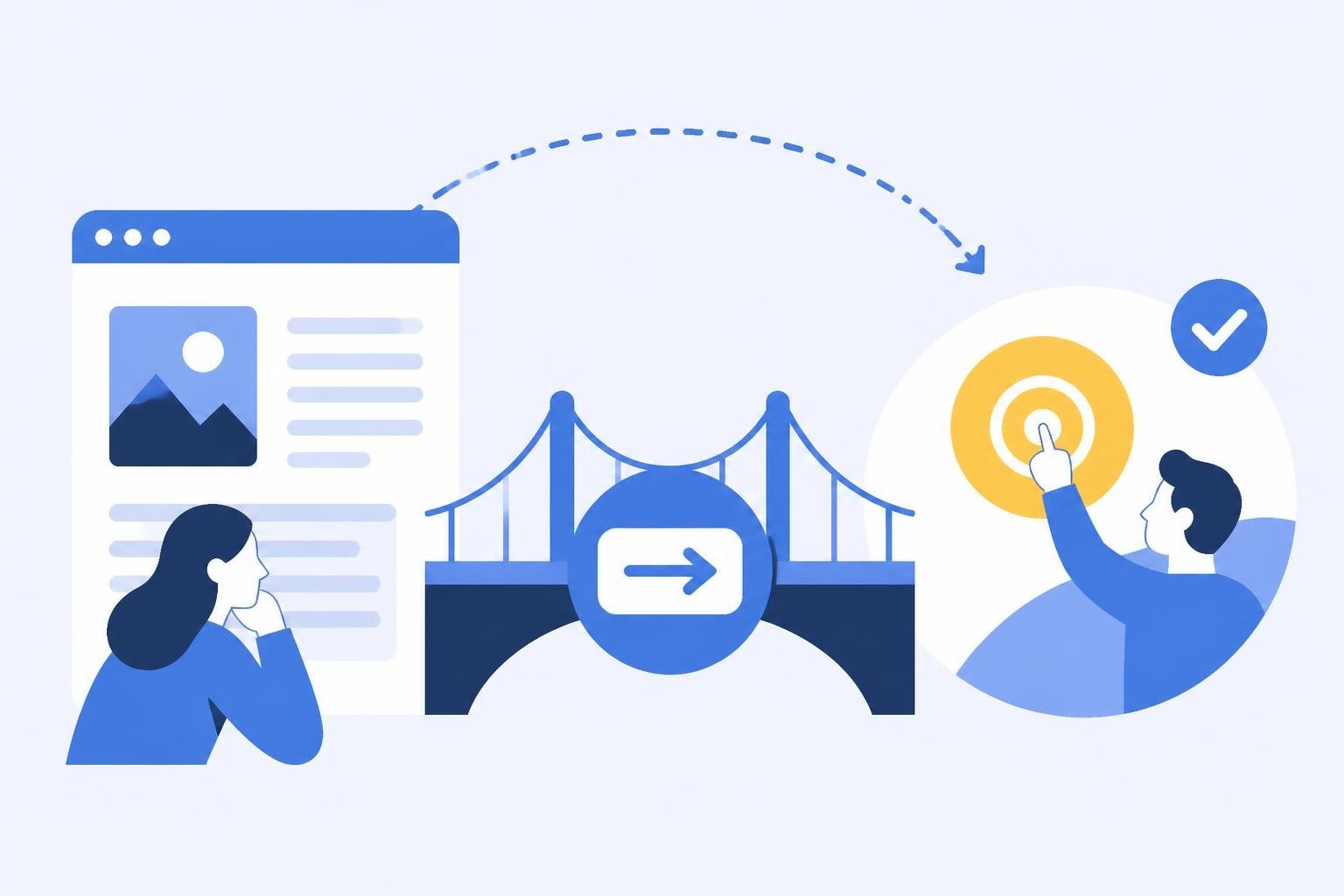
A call to action (CTA) is the single most important element that separates passive content consumption from active user engagement. Whether you're running a marketing campaign, building a landing page, or sending an email, understanding what is a CTA and how to optimize it can dramatically impact your conversion rates. For marketers and developers working with link management and analytics platforms, CTAs represent the critical bridge between traffic and tangible business outcomes. This guide explores the fundamentals, best practices, and advanced strategies for creating CTAs that drive measurable results.
Understanding What Is a CTA
A call to action is a prompt that tells your audience exactly what step to take next. CTAs are strategic instructions designed to move users through your marketing funnel, from awareness to consideration to conversion. They appear as buttons, text links, banners, or embedded elements that encourage specific behaviors such as "Download Now," "Start Free Trial," or "Learn More."
The effectiveness of a CTA depends on three core components: clarity, relevance, and urgency. A well-crafted CTA eliminates ambiguity about what happens when users click, aligns with the user's current stage in their journey, and provides a compelling reason to act immediately rather than later.
The Psychology Behind Effective CTAs
What is a CTA at its psychological core? It's a decision trigger that reduces friction and capitalizes on motivation. Users face countless choices online, and decision fatigue is real. A strong CTA simplifies the choice by presenting one clear, valuable action.
Effective CTAs leverage several psychological principles:
- Scarcity: Limited-time offers or exclusive access create urgency
- Social proof: Language that references what others are doing ("Join 10,000+ marketers")
- Loss aversion: Framing the action to prevent missing out rather than gaining something
- Action-oriented verbs: Starting with strong verbs that create momentum
Research from the Nielsen Norman Group on A/B testing shows that even small changes in CTA wording or placement can produce significant conversion lifts. The difference between "Submit" and "Get My Free Guide" isn't just semantic; it fundamentally changes user perception of value and next steps.

Types of CTAs Across Marketing Channels
Understanding what is a CTA also means recognizing that not all calls to action serve the same purpose. Different marketing objectives require different CTA approaches.
Primary vs. Secondary CTAs
Your primary CTA represents the main conversion goal for any given page or asset. This might be signing up for a trial, making a purchase, or booking a consultation. Secondary CTAs offer alternative, lower-commitment actions for users who aren't ready for the primary conversion.
| CTA Type | Purpose | Example |
|---|---|---|
| Primary | Main conversion goal | "Start 14-Day Free Trial" |
| Secondary | Alternative low-commitment action | "Watch 2-Minute Demo" |
| Tertiary | Navigation or exploration | "Browse Features" |
This hierarchy ensures you're always providing next steps appropriate to the user's readiness. A visitor landing on your homepage for the first time might not immediately sign up, but they might watch a demo video that builds trust and moves them closer to conversion.
Channel-Specific CTA Applications
What is a CTA in the context of different marketing channels? The format and approach adapt to the medium:
Email Marketing CTAs must work within inbox constraints. They benefit from clear visual buttons, single focused asks, and mobile-optimized design. Subject lines themselves can function as meta-CTAs that encourage email opens.
Social Media CTAs operate within platform-specific constraints and user behaviors. Instagram CTAs might direct users to a link in bio, while LinkedIn CTAs can leverage native lead generation forms. The Content Marketing Institute offers practical ideas for matching CTAs to content contexts.
Landing Page CTAs typically receive the most optimization attention. They should appear above the fold, use contrasting colors for visibility, and repeat strategically throughout longer pages. For link management campaigns, CTAs might drive users to shorten their first link, view analytics, or set up a custom domain.
Product Interface CTAs guide users through onboarding, feature adoption, and upgrades. These in-app CTAs must balance being helpful without becoming intrusive, following best practices outlined in Google's Material Design guidance for action wording and hierarchy.
Writing High-Converting CTA Copy
The language you choose for your CTA directly impacts conversion rates. What is a CTA's message if not a value proposition compressed into 2-5 words? Every word must earn its place.
Action Verbs That Drive Clicks
Start CTAs with strong, specific action verbs. Generic language like "Submit" or "Click Here" wastes the most valuable real estate on your page. Instead, use verbs that communicate the benefit:
- Get (Get Started, Get Access, Get Results)
- Start (Start Free Trial, Start Saving, Start Building)
- Discover (Discover How, Discover Features)
- Join (Join Free, Join Community)
- Download (Download Guide, Download Template)
- Claim (Claim Offer, Claim Discount)
For a link management platform, specific CTAs might include "Shorten Your First Link," "Track Your Clicks," or "Test Link Variants." Each verb clearly communicates what happens next while emphasizing user benefit.
First-Person vs. Second-Person Language
Testing by HubSpot on CTA optimization reveals interesting patterns around pronoun choice. First-person CTAs ("Start My Free Trial") can outperform second-person versions ("Start Your Free Trial") by emphasizing ownership and personalization. However, results vary by industry and audience, making this an ideal candidate for A/B testing.

Value Proposition Integration
What is a CTA without a clear value proposition? It's a command without motivation. Strong CTAs often integrate the benefit directly into the button text:
- "Get My Free SEO Audit" (benefit: free audit, personalization: my)
- "Show Me ROI in 60 Seconds" (benefit: speed and results)
- "Start Tracking Smarter Today" (benefit: improvement, urgency: today)
This approach works especially well when space allows for longer CTA text. Mobile constraints might require shorter versions, but the principle remains: communicate value, not just action.
Design Principles for CTA Effectiveness
Visual design determines whether users even notice your CTA before considering the copy. What is a CTA's design challenge? It must achieve prominence without appearing jarring or out of place within your overall interface.
Visual Hierarchy and Contrast
Your primary CTA should be the most visually prominent element in its section. This means:
- Color contrast against the background (following WCAG accessibility guidelines for sufficient contrast ratios)
- Size differentiation making the button large enough to be immediately noticeable
- Whitespace surrounding the CTA to prevent visual clutter
- Typography that's readable at all screen sizes
The Smashing Magazine guide on CTA buttons provides design patterns showing how visual hierarchy impacts user attention and click behavior.
Mobile Optimization Requirements
With mobile traffic exceeding desktop for most industries, mobile CTA design is non-negotiable. Touch targets should be at least 44x44 pixels to accommodate finger taps accurately. Buttons need adequate spacing to prevent mis-clicks, and text must remain legible without zooming.
For link management tools, mobile CTAs might need to simplify complex actions. Instead of "Configure Advanced Link Routing Rules," a mobile CTA might say "Set Up Routing" with the complexity revealed after the tap.
Strategic CTA Placement
Location determines visibility, and visibility determines conversion. What is a CTA's optimal placement? The answer depends on content length, user intent, and conversion complexity.
Above the Fold Positioning
Traditional wisdom says primary CTAs belong above the fold, visible without scrolling. This remains valid for high-intent landing pages where visitors arrive ready to convert. However, longer educational content might delay the CTA until after establishing value and trust.
Consider these placement strategies:
- Hero section CTA: Immediate conversion opportunity for high-intent traffic
- Mid-content CTA: Placed after key benefit explanations
- Footer CTA: Final conversion opportunity before exit
- Sticky/floating CTA: Persistent option that follows scroll
For analytics and link management content, you might place an early CTA for users already familiar with the concept ("Start Optimizing Links Now") while including a delayed CTA for those needing more context ("Ready to See Smarter Link Analytics?").
Contextual CTA Triggering
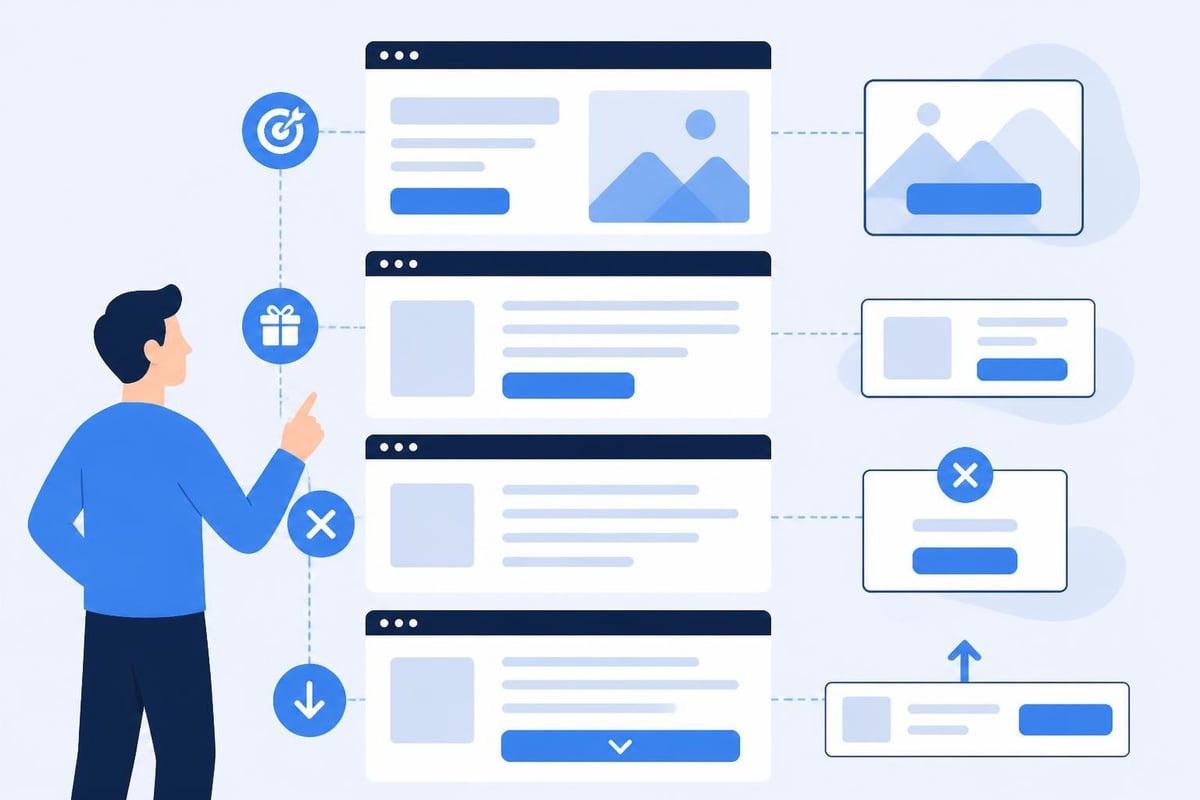
Advanced implementations use behavioral triggers to display CTAs at optimal moments:
- Exit intent: Pop-ups or slide-ins when users show leaving behavior
- Scroll depth: CTAs appearing after users consume specific content percentages
- Time on page: Engagement-based triggers for invested readers
- Click patterns: Showing upgrade CTAs to users exploring premium features
Each trigger type serves different user segments. Someone who scrolls through 80% of a guide about link tracking might be ready for a CTA like "Start Tracking Your First Campaign," while someone bouncing after 10 seconds needs a different approach.
Testing and Optimizing CTA Performance
Understanding what is a CTA also means knowing how to measure and improve it systematically. Optimization separates guesswork from data-driven growth.
A/B Testing Framework
Effective CTA testing isolates single variables while maintaining statistical significance. Test elements in this priority order:
Copy variations often produce the largest impact. Test different value propositions, verb choices, and urgency language. For example, compare "Start Free Trial" against "Try Free for 14 Days" to see which conversion framing resonates more.
Design variables include color, size, shape, and button vs. text link format. However, avoid testing colors in isolation; a red button might outperform blue simply because it creates more contrast, not because of inherent color preference.
Placement tests determine whether above-fold, mid-content, or multiple CTA instances drive more conversions. Link management platforms might test whether "Shorten Link" CTAs convert better in the navigation header or as an inline element within feature explanations.
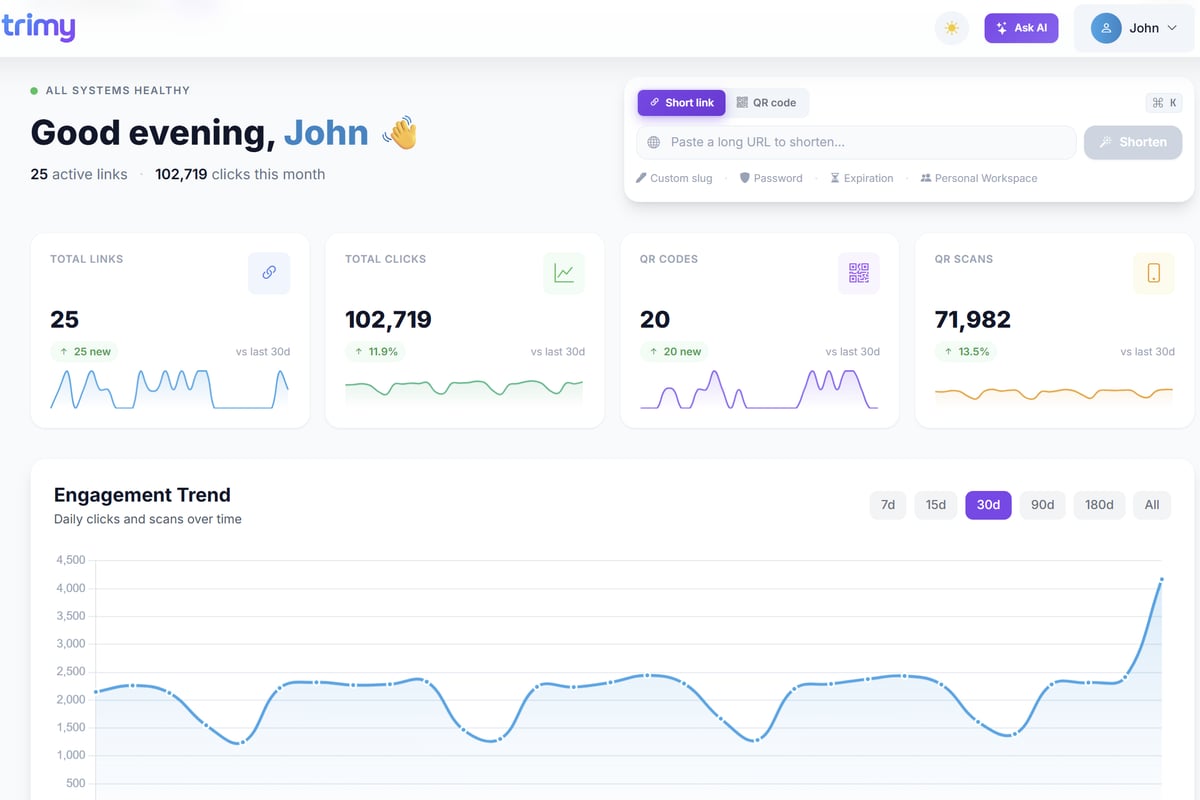
When working with Trimy, you can leverage built-in A/B testing capabilities to compare different landing page CTAs, track which messaging drives the most qualified traffic, and use analytics to understand the full conversion path from click to signup.
Metrics That Matter
What is a CTA's success without proper measurement? Track these key performance indicators:
| Metric | What It Measures | Optimization Goal |
|---|---|---|
| Click-through rate (CTR) | Percentage who click the CTA | Visibility and appeal |
| Conversion rate | Percentage who complete desired action | Full funnel effectiveness |
| Time to conversion | Duration from page load to CTA click | User confidence and friction |
| Bounce rate | Percentage leaving without interaction | Page relevance and CTA match |
Secondary metrics include scroll depth before CTA interaction, mobile vs. desktop conversion rates, and returning visitor conversion patterns. These insights reveal whether your CTA timing, device optimization, and audience targeting need refinement.
Accessibility Considerations for CTAs
An effective CTA must be accessible to all users, including those using assistive technologies. What is a CTA if a significant portion of your audience cannot interact with it?
Semantic HTML and ARIA
CTAs should use semantic button elements rather than divs styled to look like buttons. This ensures proper keyboard navigation and screen reader announcement. Following W3C ARIA button pattern guidelines ensures your CTAs work for users navigating with keyboards, screen readers, or other assistive devices.
Key accessibility requirements include:
- Keyboard accessibility: All CTAs must be reachable and activatable via keyboard (Tab and Enter keys)
- Screen reader compatibility: Descriptive labels that make sense without visual context
- Sufficient color contrast: Meeting WCAG AA standards (4.5:1 for normal text)
- Focus indicators: Visible outlines showing which element has keyboard focus
For link management tools, accessible CTA labels might include "Shorten URL (opens link shortener form)" rather than ambiguous "Click Here" links that provide no context to screen reader users.
Industry-Specific CTA Strategies
Different industries require tailored approaches. What is a CTA in e-commerce differs fundamentally from SaaS, content publishing, or service-based businesses.
E-commerce CTAs
Online retail CTAs balance urgency with trust-building. The Shopify perspective on calls to action emphasizes product-specific language like "Add to Cart," "Buy Now," or "Shop the Collection." E-commerce also uses micro-CTAs throughout the journey: "View Size Guide," "See Shipping Options," "Apply Discount Code."
SaaS and Platform CTAs focus on trial initiation and feature activation. Common patterns include "Start Free Trial," "Book a Demo," "See Pricing," and in-product CTAs like "Upgrade to Pro" or "Invite Team Members." For link management platforms, product CTAs might include "Create Your First Smart Link" or "View Campaign Analytics."
Content and Lead Generation CTAs
Publishers and content marketers use CTAs to build email lists, distribute gated content, and nurture relationships. These CTAs often offer value exchanges: "Download the Complete Guide," "Get the Template," or "Subscribe for Weekly Tips."
The key difference is that content CTAs must align closely with the surrounding material. A blog post about link tracking strategies might include a CTA like "Download Our Link Tracking Checklist" rather than jumping straight to product signup.
Common CTA Mistakes to Avoid
Even experienced marketers fall into CTA traps that suppress conversion rates. Recognizing what is a CTA mistake helps you avoid performance pitfalls.
Overwhelming Users with Choice
Multiple competing CTAs create decision paralysis. Each page should have one clear primary action. If you need secondary options, make them visually subordinate through size, color, or placement.
Vague language kills conversion. "Learn More" tells users nothing about what they'll learn or why it matters. "See How to Cut Link Management Time by 60%" provides specific value and outcome.
Ignoring Mobile Experience
Desktop-optimized CTAs often break on mobile. Buttons become too small to tap accurately, text becomes illegible, or critical CTAs get buried below multiple screen heights. Always test on actual devices, not just responsive design tools.
Friction-heavy CTAs require too much commitment too soon. Asking for ten form fields before demonstrating value drives abandonment. Progressive disclosure and multi-step forms can reduce perceived friction while collecting the same information.
Misaligned Expectations
What is a CTA if it promises one thing but delivers another? Trust evaporates when "Start Free Trial" leads to immediate credit card requirements or "Download Guide" triggers newsletter signups without the promised content. Transparency and honesty in CTA language build long-term conversion rates by establishing credibility.
Advanced CTA Personalization
Modern marketing technology enables CTAs that adapt to individual users based on behavior, demographics, or funnel stage.
Dynamic CTA Content
Personalized CTAs address users by name, reference their previous behavior, or adjust messaging based on traffic source. A visitor arriving from a blog post about link analytics might see "Start Tracking Your Links" while someone from a pricing comparison page sees "Choose Your Plan."
Segmentation strategies include:
- New vs. returning visitors
- Traffic source (organic, paid, referral, email)
- Device type (mobile, desktop, tablet)
- Geographic location
- Previous page interactions or downloads
For link management tools, you might show "Create Your First Short Link" to new users while displaying "View Your Dashboard" to existing customers who aren't logged in.
Behavioral Retargeting Through CTAs
Users who interact with CTAs but don't convert represent high-intent prospects worth specialized follow-up. Retargeting campaigns can present modified CTAs addressing specific objections or highlighting different value propositions.
Someone who clicked "See Pricing" but didn't sign up might respond to a retargeted CTA emphasizing "No Credit Card Required" or "Cancel Anytime." This addresses common signup hesitations with pricing transparency CTAs.
Multi-Touch CTA Attribution
Understanding what is a CTA in a complex, multi-channel journey requires attribution modeling. Users rarely convert on first interaction, meaning the CTA they ultimately click might differ from the ones that built awareness and trust earlier.
Attribution Models for CTA Analysis
First-touch attribution credits the initial CTA that brought users into your funnel. Last-touch attribution credits the final CTA before conversion. Multi-touch models distribute credit across all CTA interactions in the customer journey.
For comprehensive link management campaigns, you might track:
- Blog CTA that drove initial newsletter signup
- Email CTA that brought user back to view features
- Feature page CTA that initiated free trial
- In-app CTA that converted trial to paid plan
This full-funnel view reveals which CTAs deserve optimization attention and which messaging sequences drive the highest lifetime value customers.
Mastering what is a CTA and how to optimize calls to action across every touchpoint transforms passive traffic into active conversions. By combining psychological principles, compelling copy, accessible design, and data-driven testing, you create CTAs that guide users naturally toward valuable actions. If you're ready to turn your links into powerful conversion tools with advanced analytics, A/B testing, and smart routing capabilities, explore how trimy helps marketers transform every click into actionable intelligence.